




We can all probably admit that most of us have a planner graveyard. The one you loved in August, used until October, and then found in your bag in March.
Part of the problem? Dated planners make you feel behind. Miss two weeks and there they are, two empty weeks staring at you.
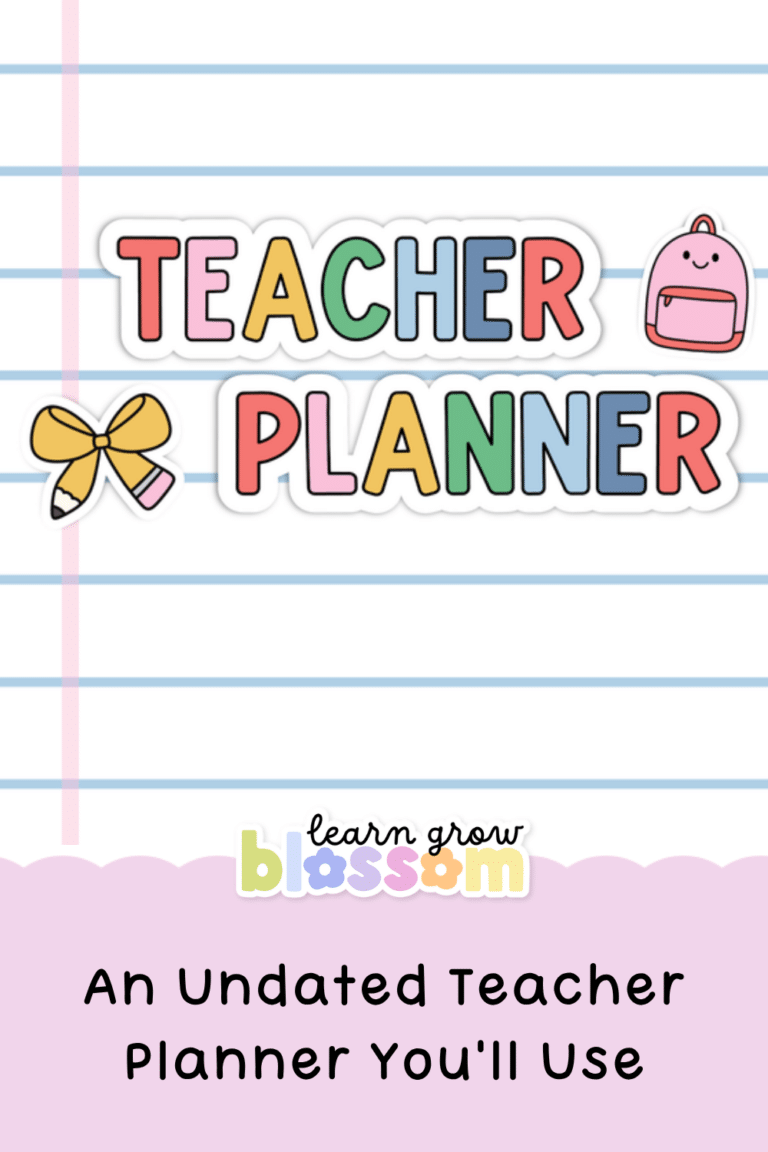
So let’s talk about an undated teacher planner, and why mine works a little differently.
Why an Undated Teacher Planner Is Easier to Stick With
An undated teacher planner doesn’t care when you start. January? Great. The second week of February because life happened? Also great.
My Google Sheets teacher planners used to have one thing that bugged me. The dates only went so far, and once they ran out, you had to wait for me to add the next year.
Not anymore. Now you type in your starting year and the planner fills in all the dates for you. Next year? Change the year. The year after that? Same thing.
You buy it once and you can literally use it forever.
It Starts Whenever You Do
Because you set the year yourself, this undated teacher planner works for a September start, a January reset, a new grade mid-year or coming back from mat leave. You start on the week you’re actually in.
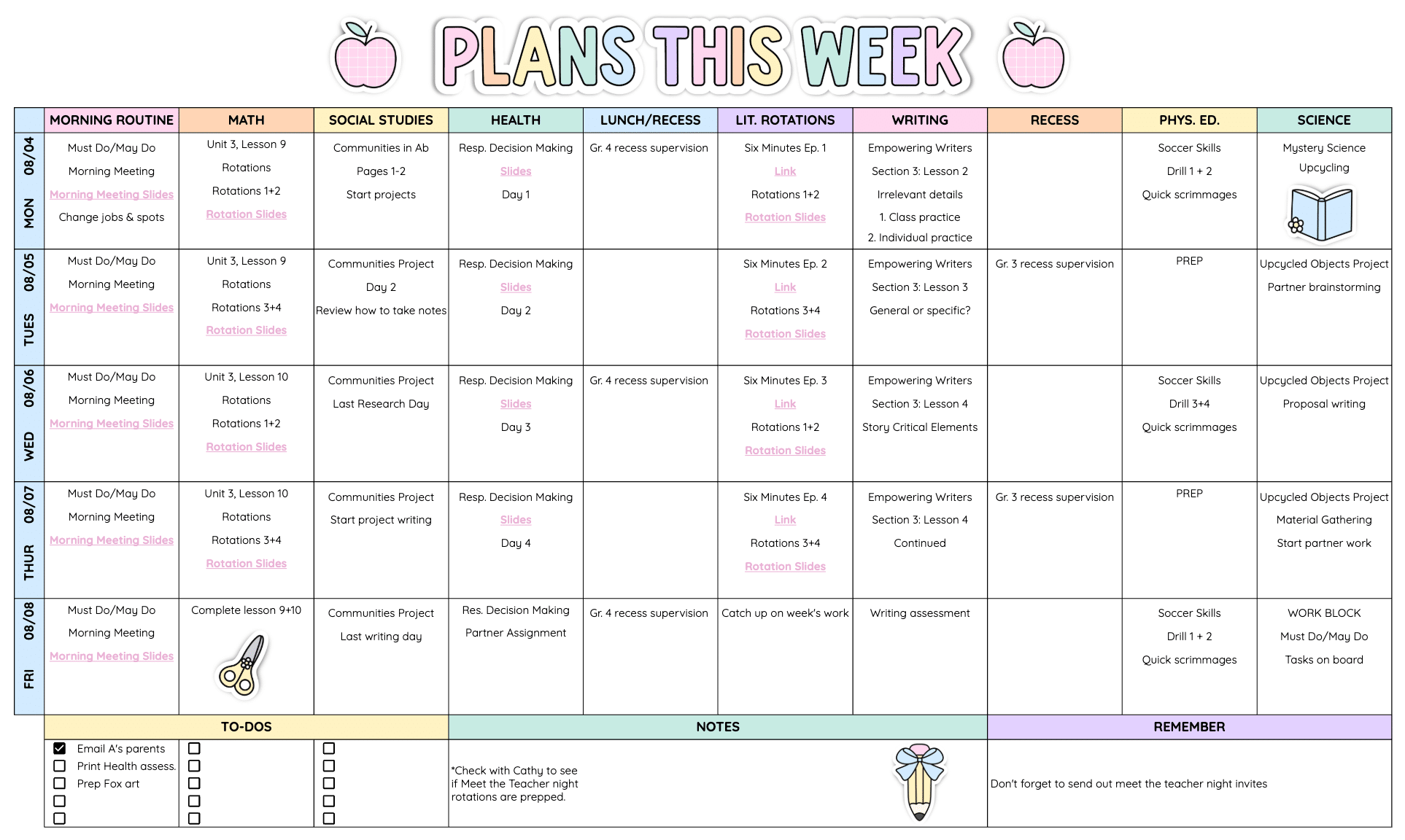
You Can See the Whole Year on One Page
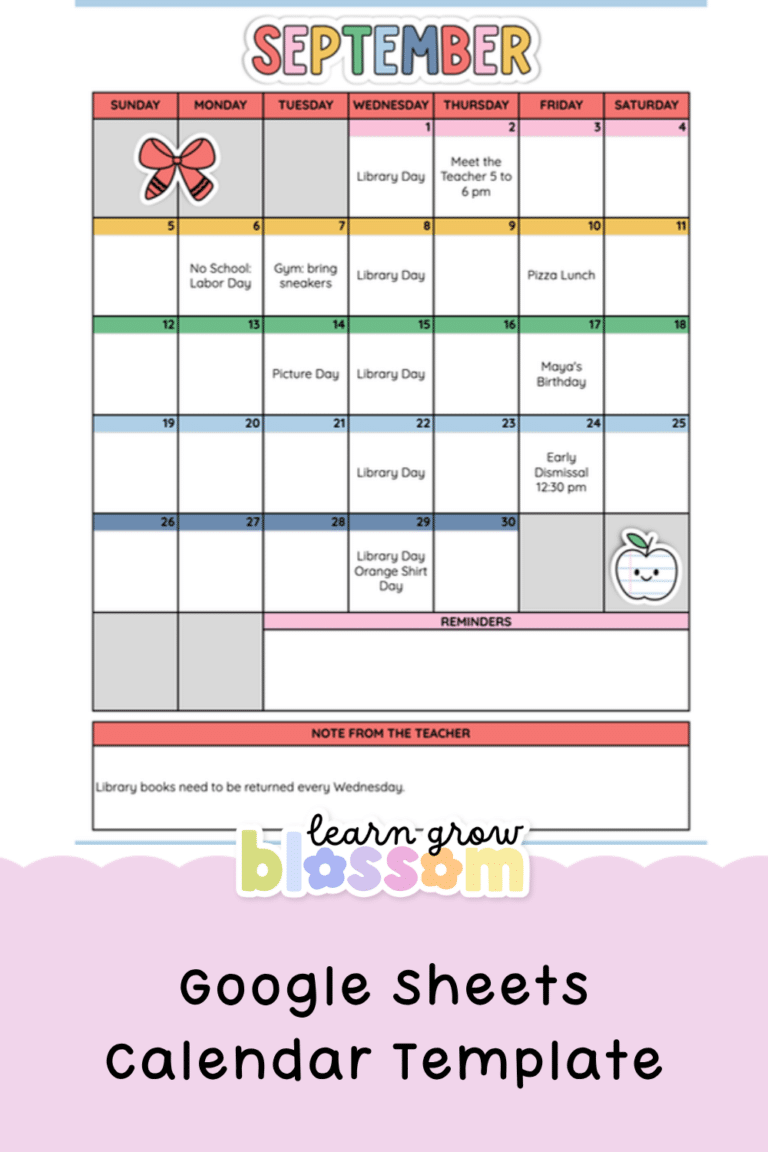
There’s a year at a glance calendar, so you can colour-code PD days, report card deadlines and holidays all on one page. No more flipping through emails to find when progress reports are due.
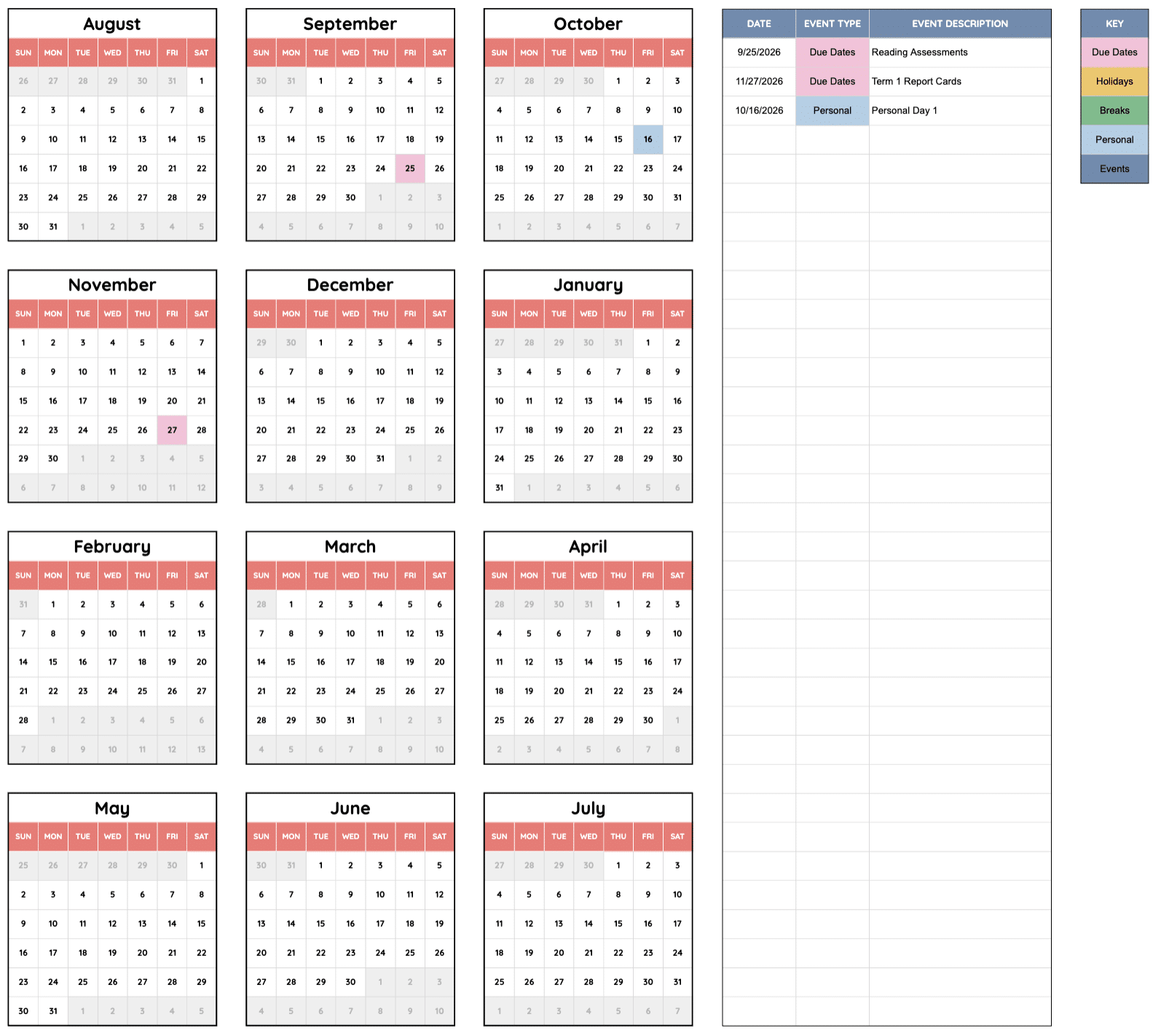
Checklist Calendars Keep You Honest
The checklist calendars let you see what’s done (and what’s… not yet). It’s a tiny thing, but ticking things off is SO satisfying.
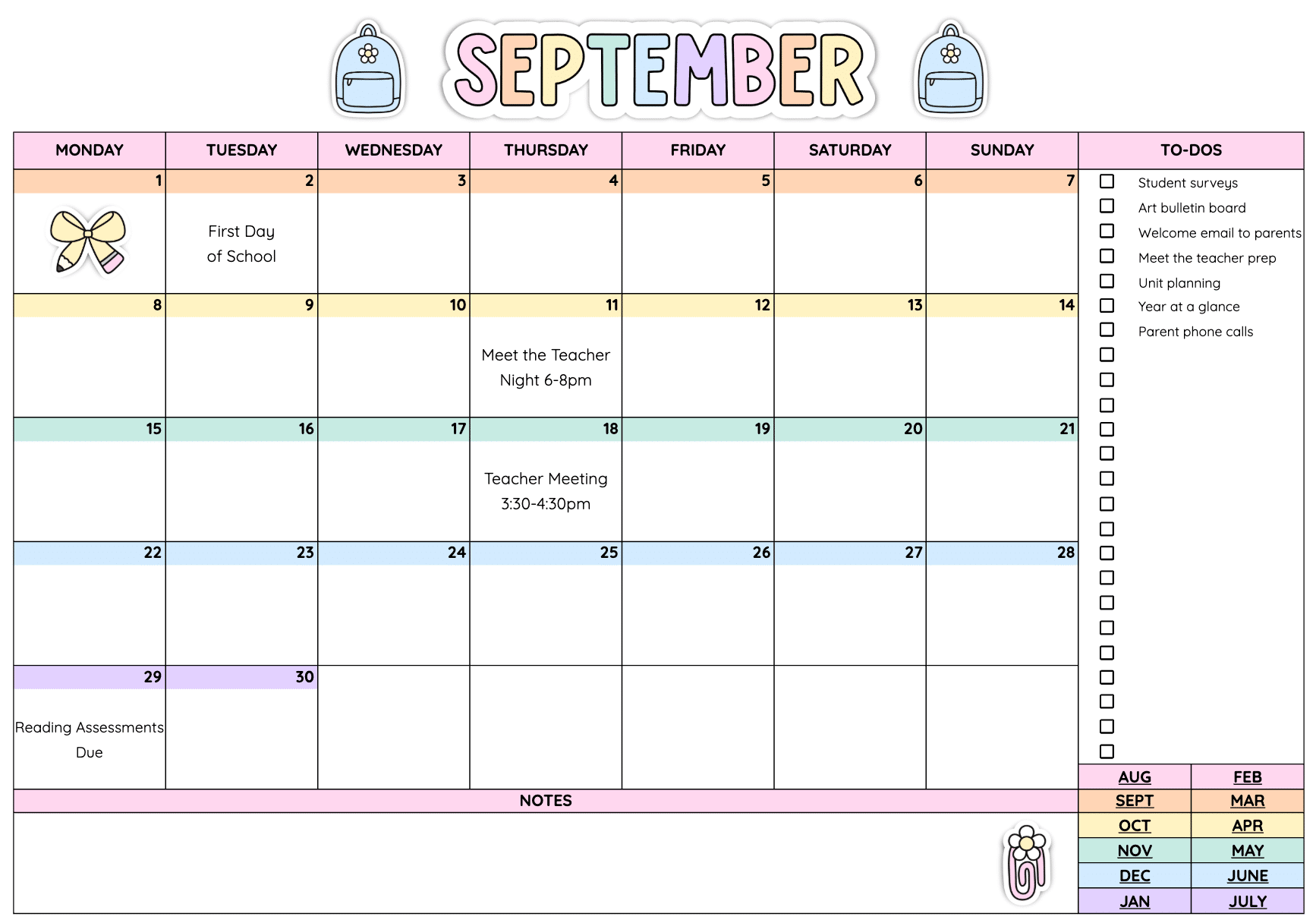
Plan the Way Your Brain Plans
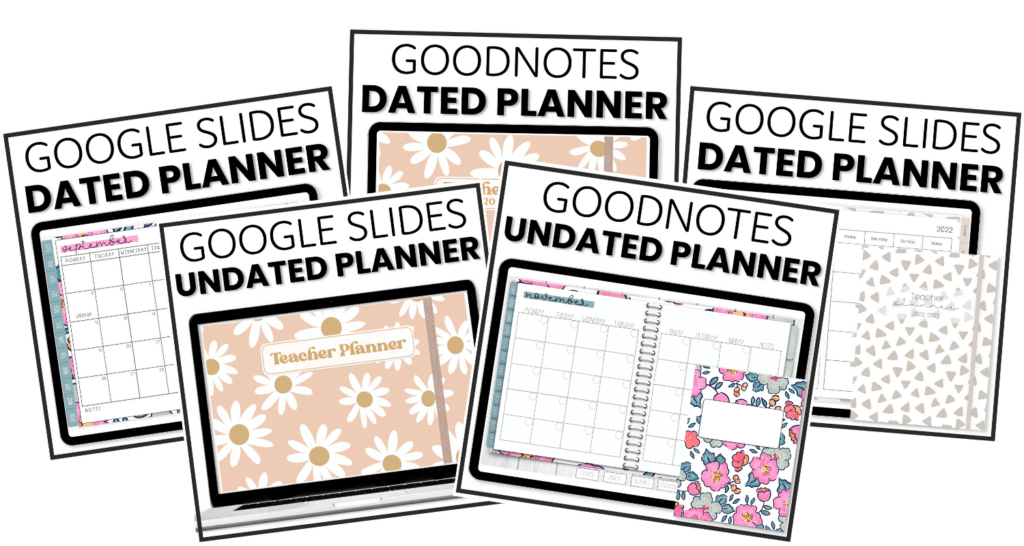
There are 3 weekly lesson plan layouts and 2 daily ones, so you can pick the one that matches how you think. Need a new week? Duplicate the tab and you’re ready to plan.
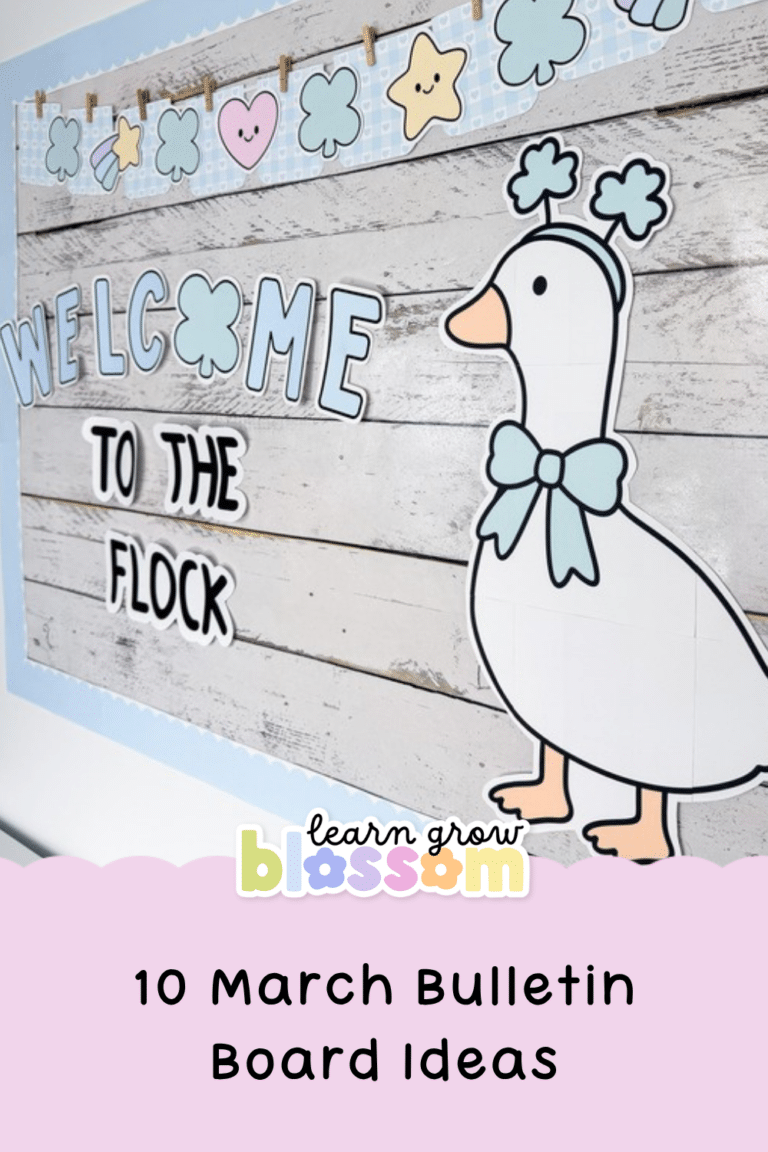
It also comes with 80 hand-drawn digital stickers (yes, there are geese), 8 pastel covers and a tutorial video, so you’re not figuring it out alone.
It Lives on the Computer You Already Use
It’s all in Google Sheets, so it opens on your laptop, your school computer or your phone. If your last planner has been sitting in your bag since September, no judgement. This one is already on the computer you use every day.
What Teachers Are Saying
⭐⭐⭐⭐⭐ Ava R. said, “This resource keeps me so organized during the day. I used to suffer from information overload when looking at my lesson plans. Now I can take it day by day and actually like lesson planning!”
⭐⭐⭐⭐⭐ Melissa B. said, “I have been using a Happy Planner brand teacher planner that I love, but wanted to try out a digital one. I was able to set this one up just like my paper planner.”
⭐⭐⭐⭐⭐ Morgan T. said, “I’ve never felt so organized in my 15 years of teaching.”
Pick an Undated Teacher Planner That Matches Your Room
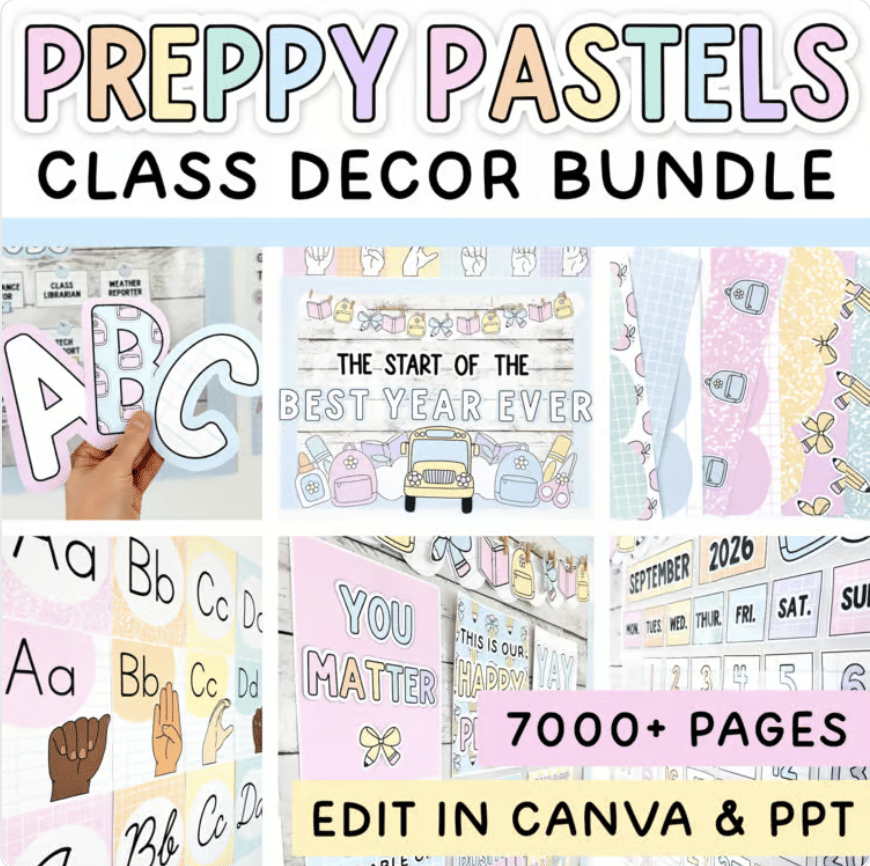
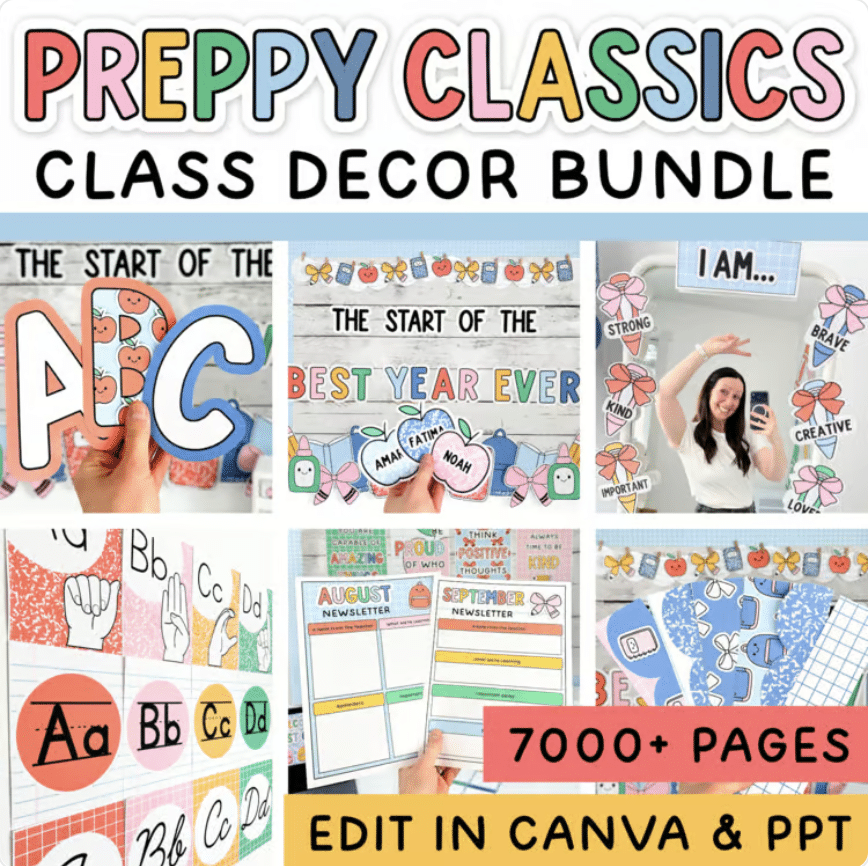
There are 9 designs, and 6 of them match my classroom decor bundles. So yes, your planner can match your room. (I love a matchy-matchy classroom, can you tell?)
Preppy Pastels teacher planner matches the Pastel Classroom Decor Bundle
Preppy Classics teacher planner matches the Preppy Classics Classroom Decor Bundle
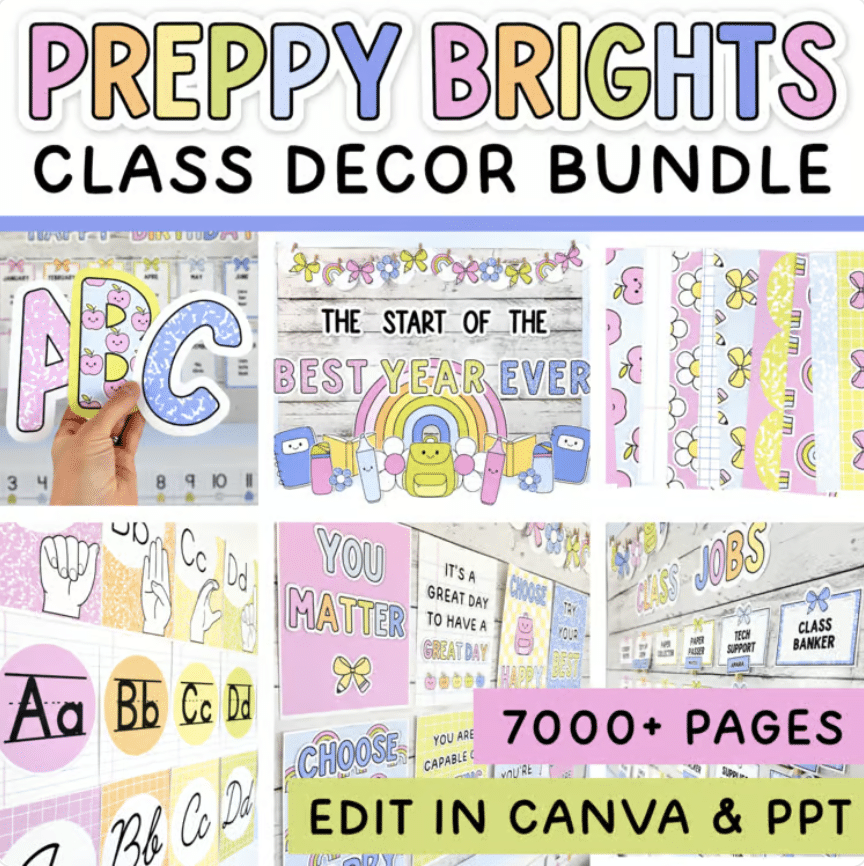
Preppy Brights teacher planner matches the Preppy Brights Classroom Decor Bundle
Boho teacher planner matches the Fun Boho Classroom Decor Bundle
Composition Notebook teacher planner matches the Composition Notebook Classroom Decor Bundle
Classroom Goose teacher planner matches the Silly Goose Classroom Decor Bundle
And 3 more that are just plain cute: the Pencil, Blue Daisy and Pink Coquette teacher planners.
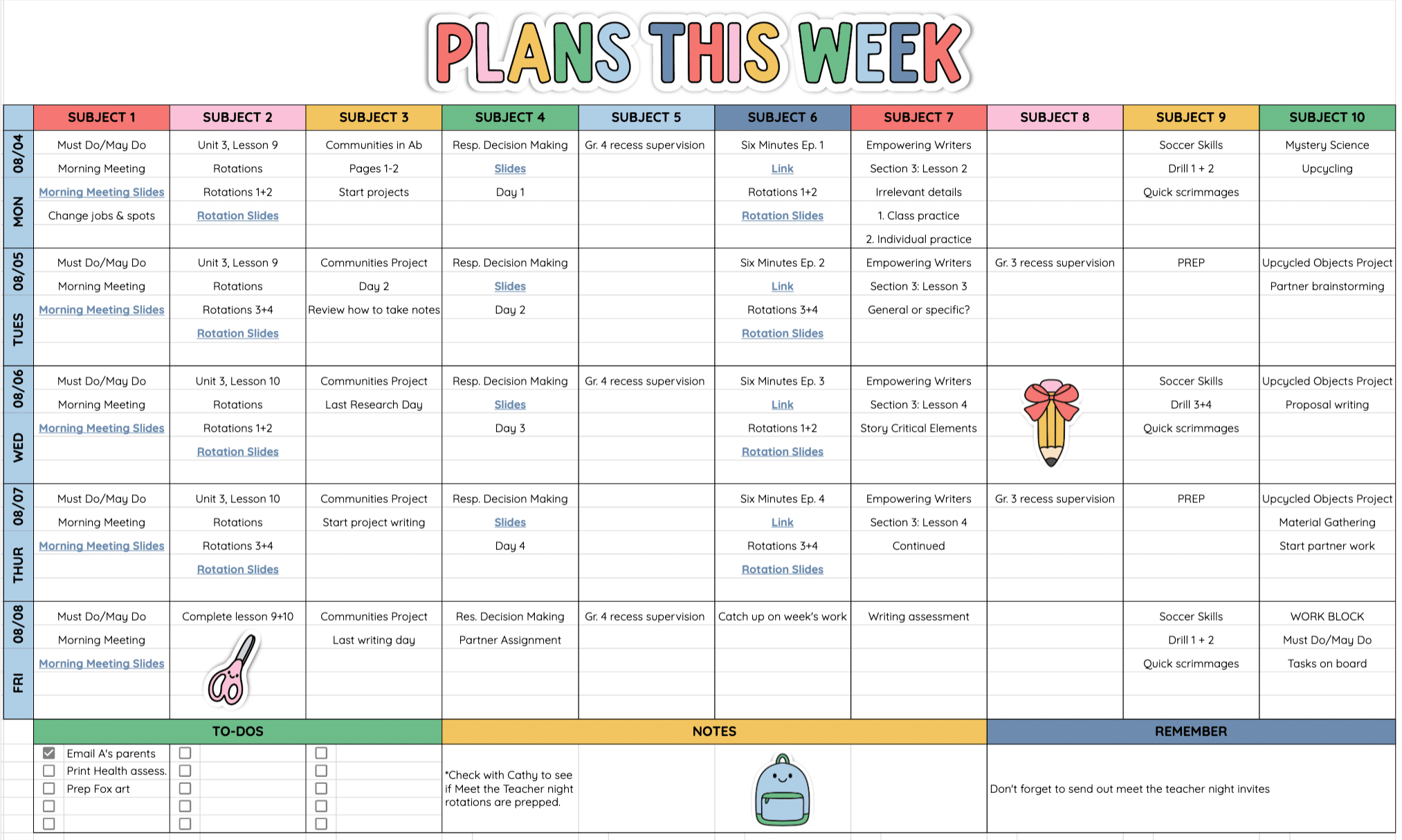
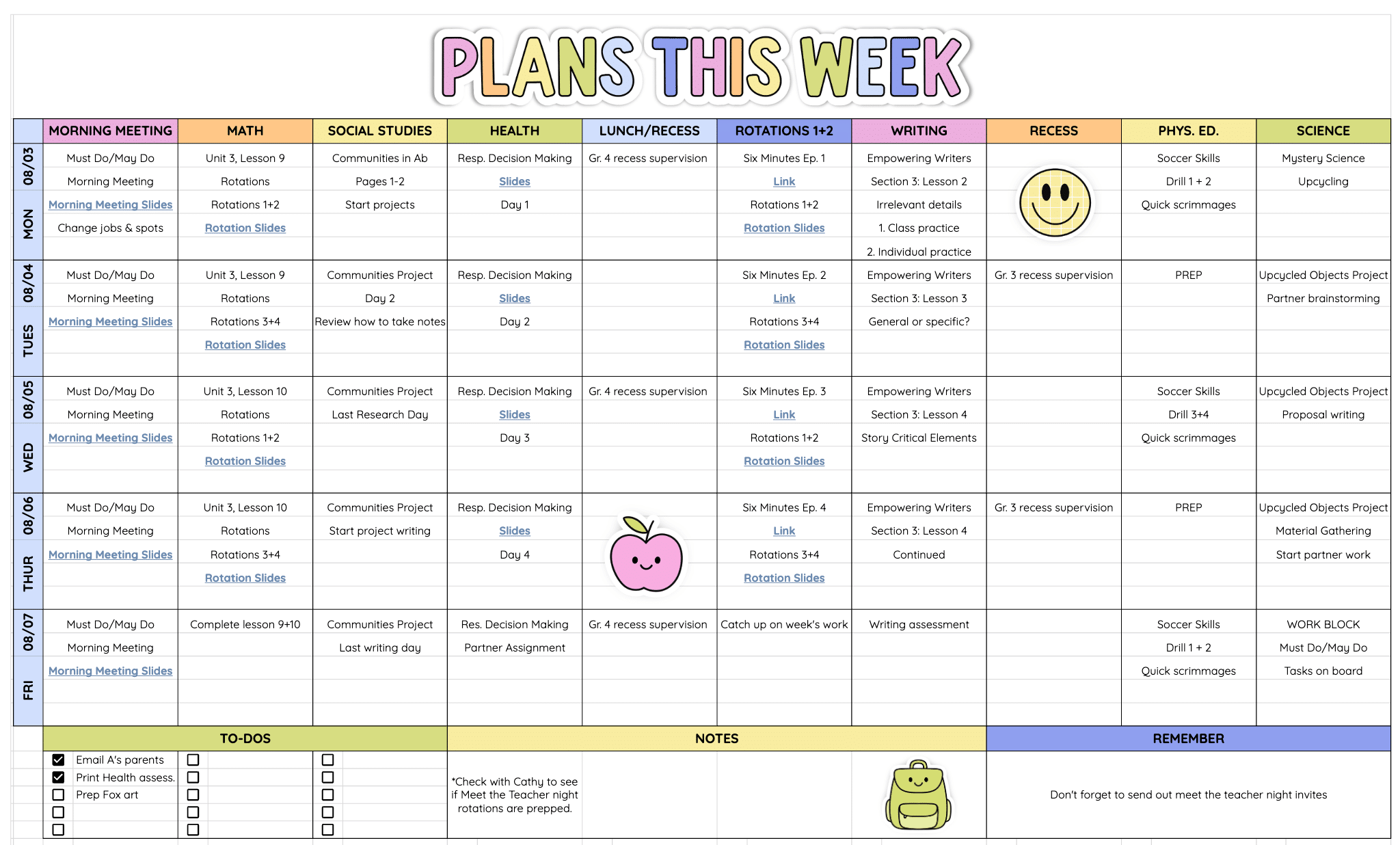
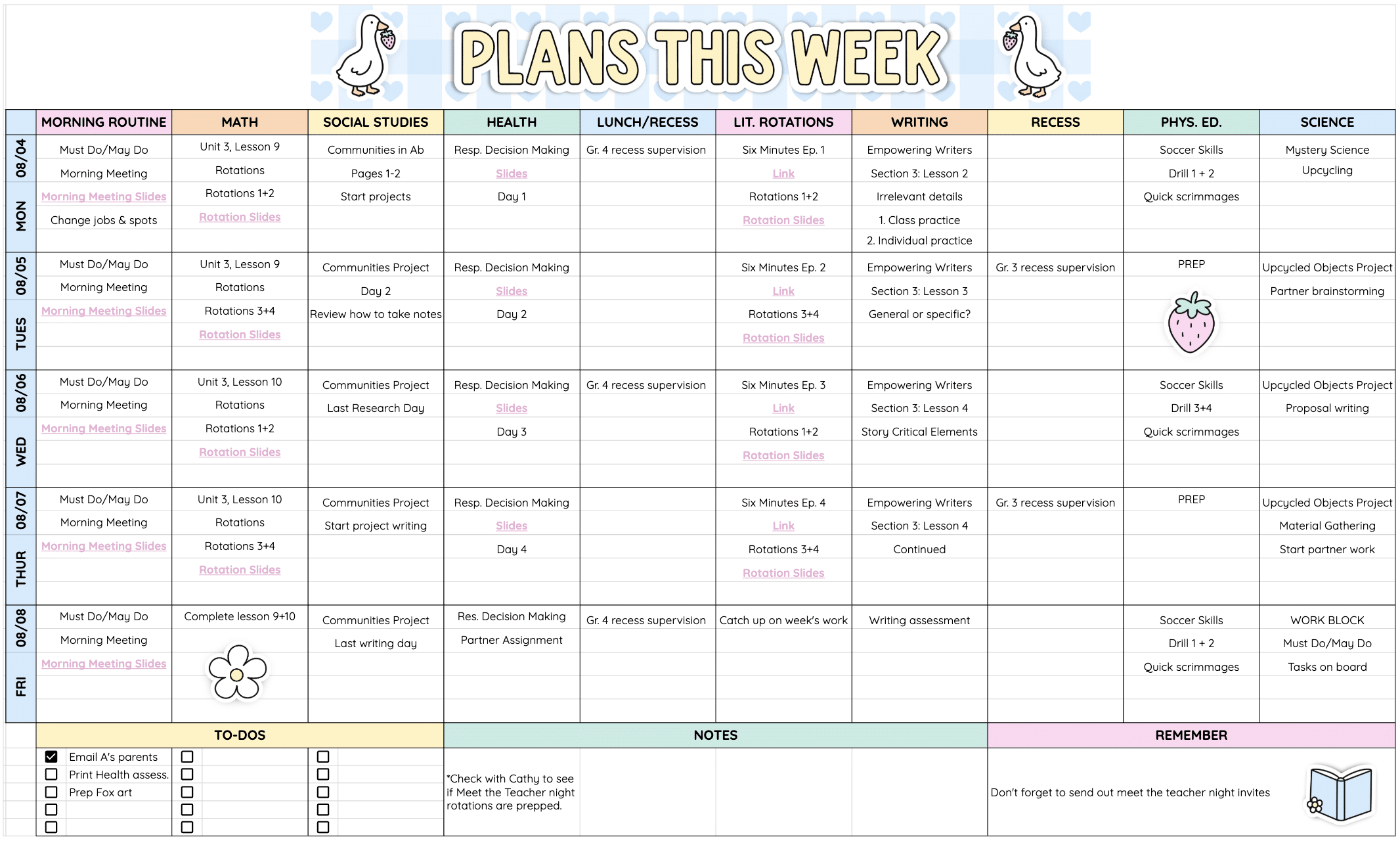
They’re $9 each. Already have one? Re-download it from My Purchases on TPT and the update is yours for free.
Ready for a January Reset?
January is the best time to start fresh, and with an undated teacher planner there’s no “I’ll wait until next year.” Pick your design, type in the year and plan next week tonight.
Planning more of your year? Read about my digital teacher planner, my Google Sheets calendar template and my digital teacher gradebook template.