




Lesson planning already takes enough time. Your lesson planner should not require three apps, a special device, seventeen tabs open and a YouTube tutorial just to figure out where Tuesday went.
Sometimes simple really is better.
That is exactly why I love using Google Sheets for teacher planning. Everything is in one place, it is easy to update, you can access it from practically anywhere and you can customize it to fit the way you actually plan.
And with these Google Sheets teacher planners, you are not starting with a blank spreadsheet and building everything yourself.
The calendars are ready. The weekly layouts are ready. The daily lesson plan templates are ready. The organization pages are ready.
You just open your lesson planner and start planning!
Why Google Sheets Makes Such an Easy Lesson Planner
There are a LOT of digital planning systems out here. Some require a specific app. Others work best with a tablet and stylus. Some are beautiful, but by the time you have imported the planner, linked everything, learned the program and figured out how to write in the tiny boxes, you could have planned next week’s math lessons already.
A Google Sheets lesson planner keeps things much simpler.
If your device supports Google Sheets, you can access and edit your planner.
That means you can work on plans from your school computer during prep, make a quick change from your laptop at home or check something from another device when you need to.
No fancy digital planning setup required.
And because the planner is already built for you, you get the organization benefits of a spreadsheet without having to create the spreadsheet.
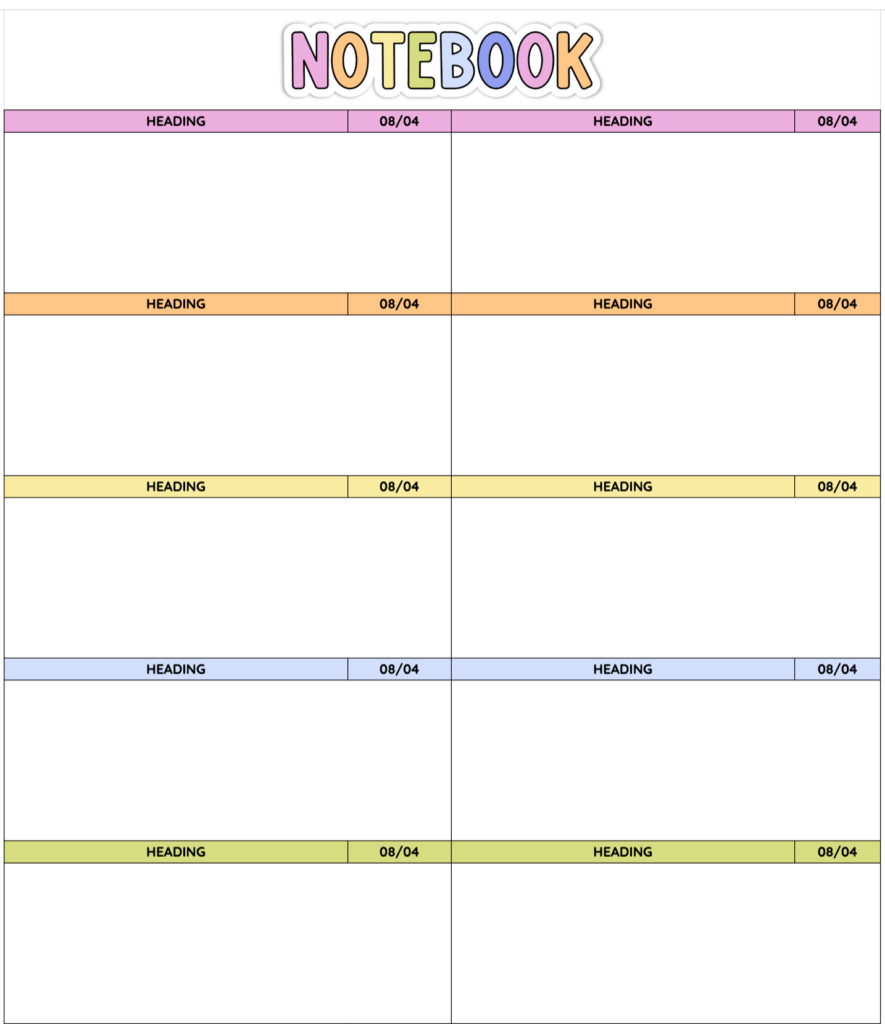
Use the Same Lesson Planner Year After Year
This might be my favourite thing about it. The dated calendars can now be used year after year.
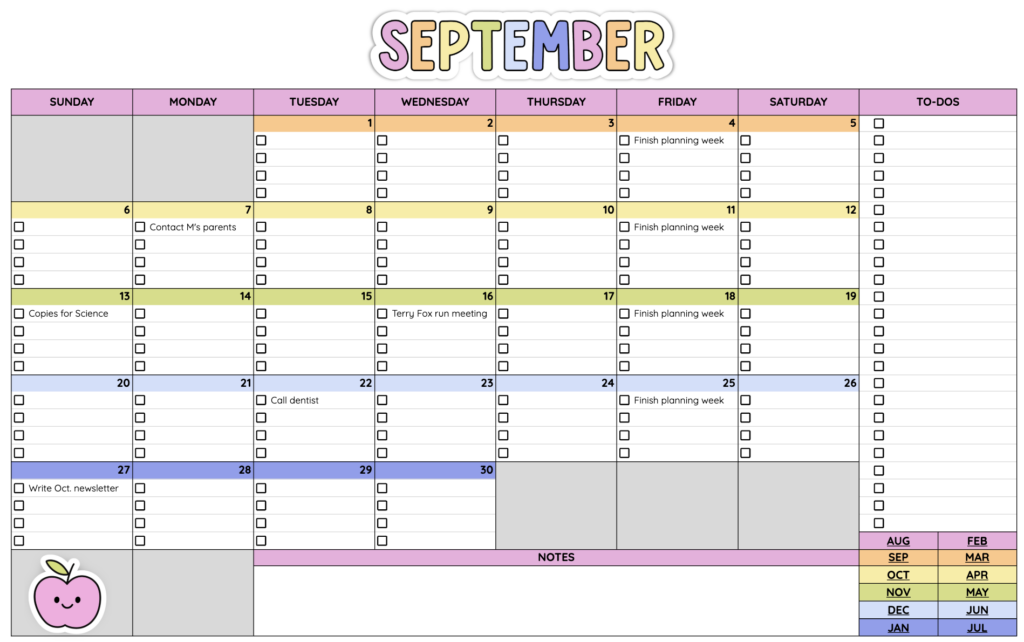
Instead of waiting for an updated version of your planner every summer, you simply enter your starting year and the dated calendars update for you.
That’s it. No retyping all of the dates. No buying a new lesson planner because the calendar pages expired. No waiting for next year’s version to be released.
Once you have found a planning system that works for you, you can keep using it. Set up your planner, personalize it and come back to the same familiar system next school year.
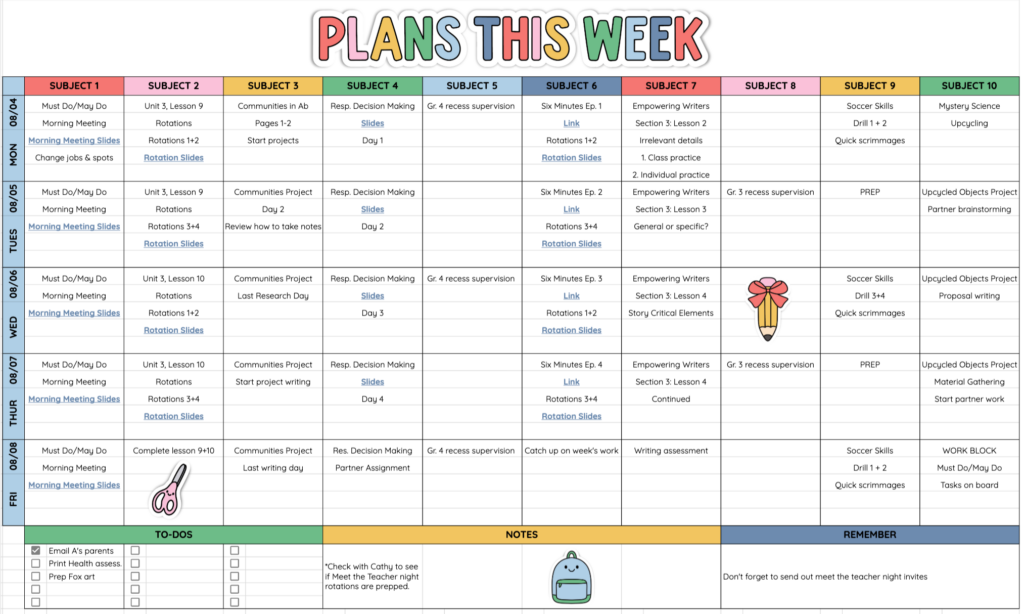
Choose the Weekly Lesson Planner Layout That Works for You
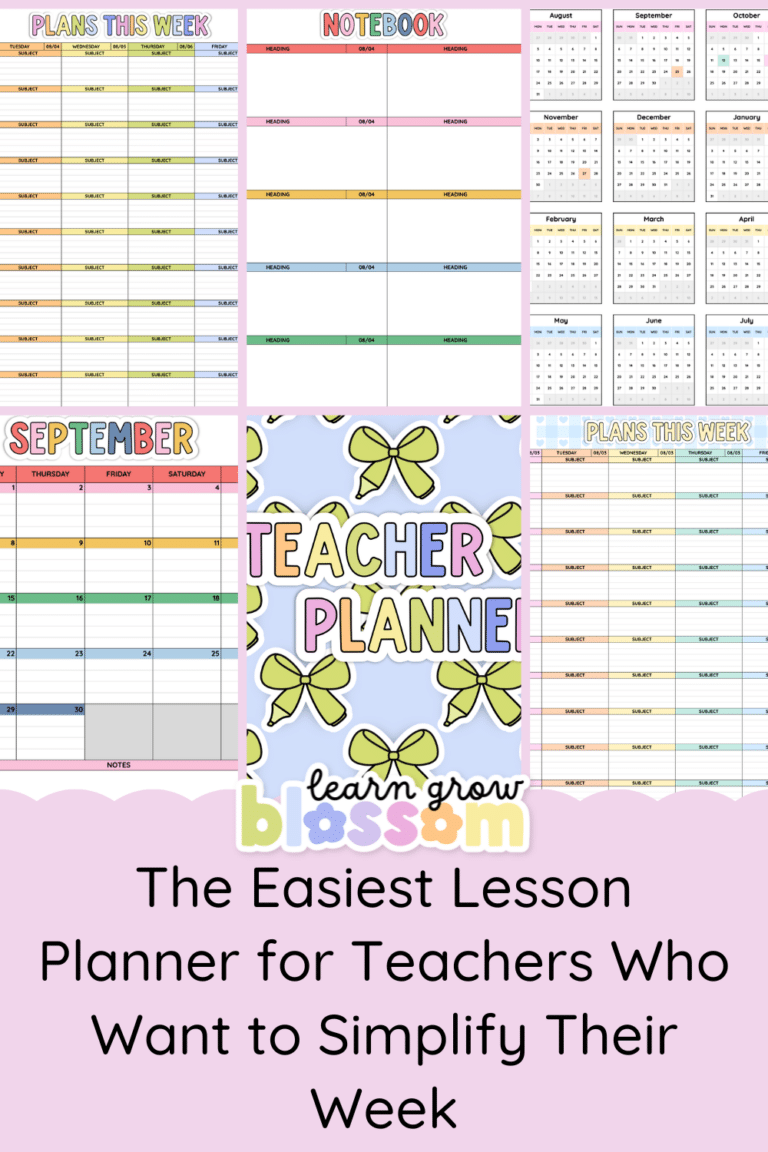
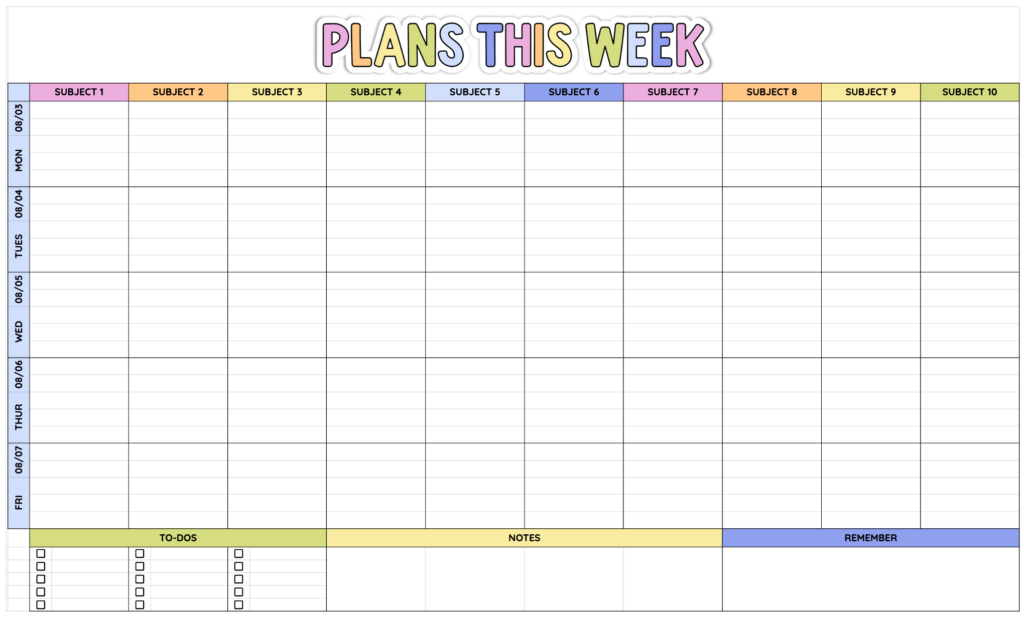
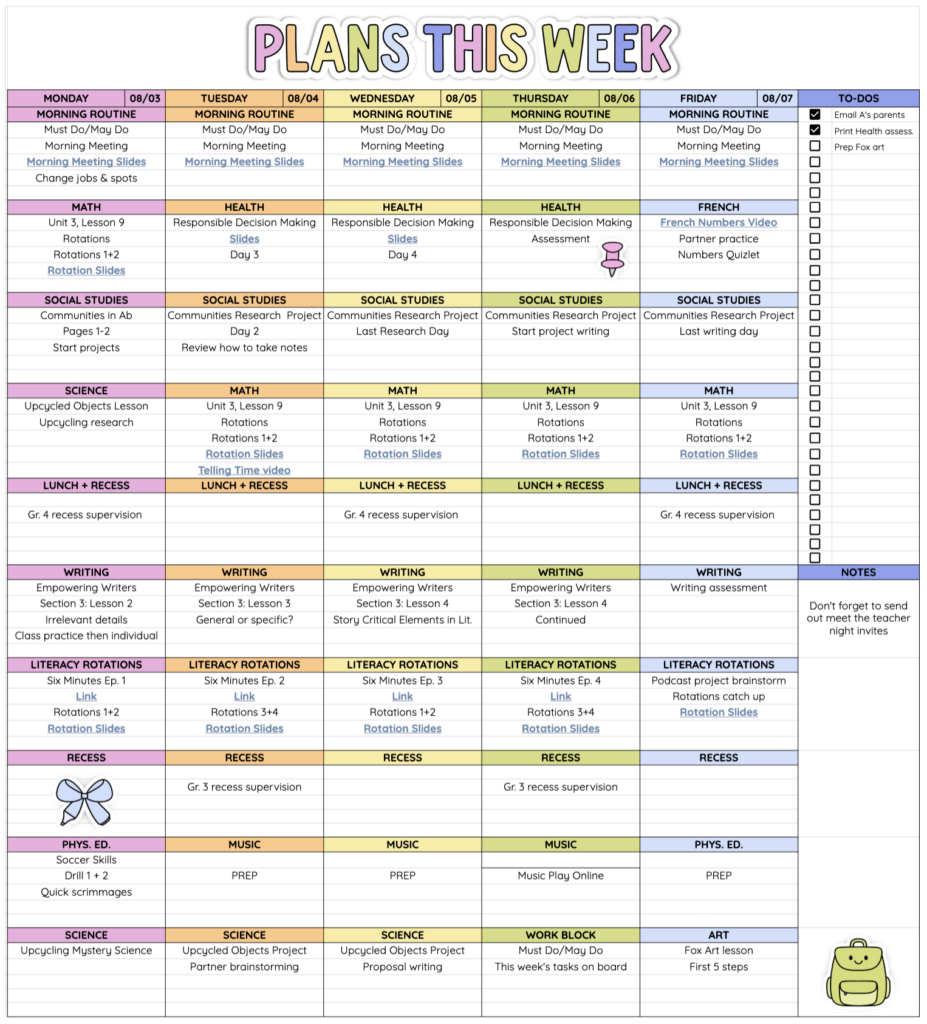
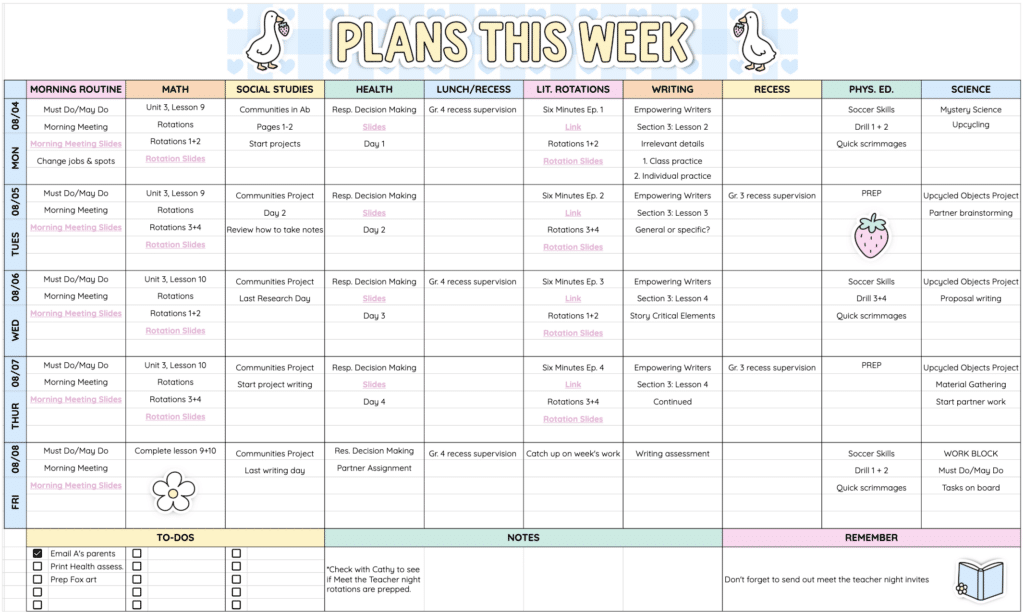
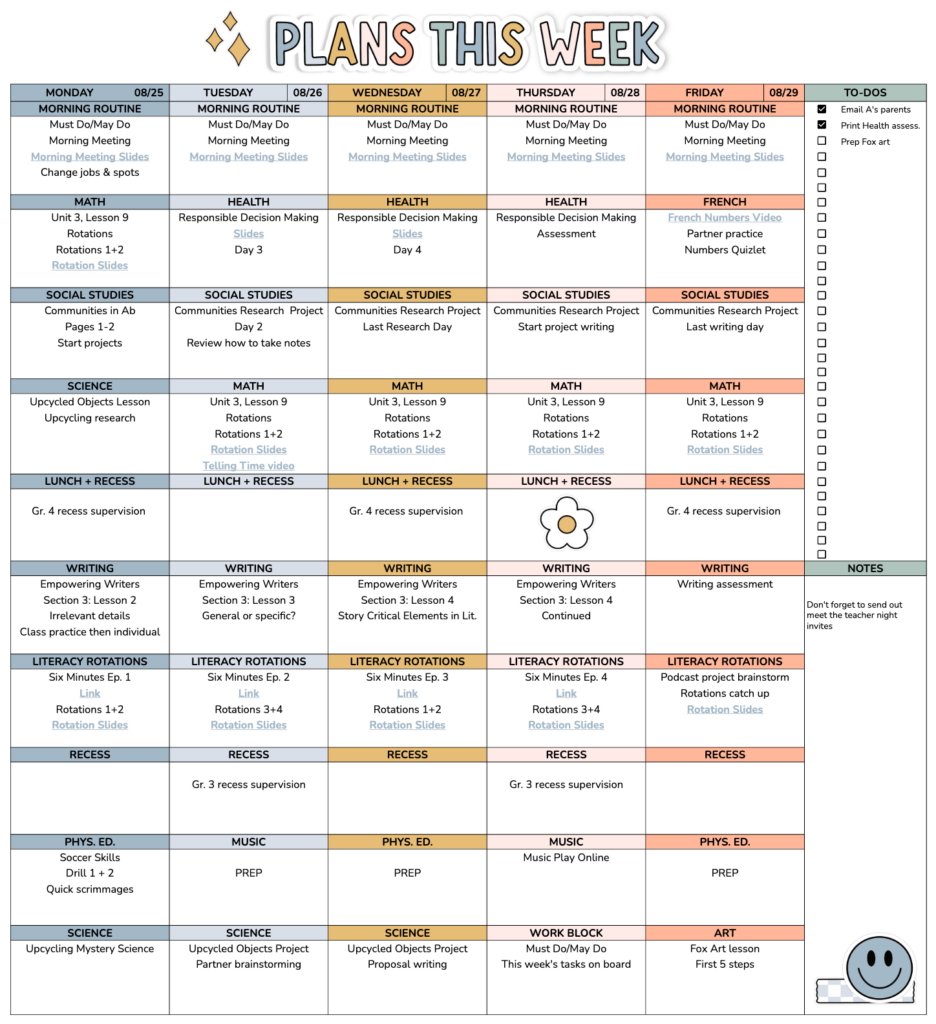
There is no single perfect weekly planner layout. Some teachers want their subjects across the top. Some want the days of the week across the top. Some want to look at their planner and immediately see everything for one subject together.
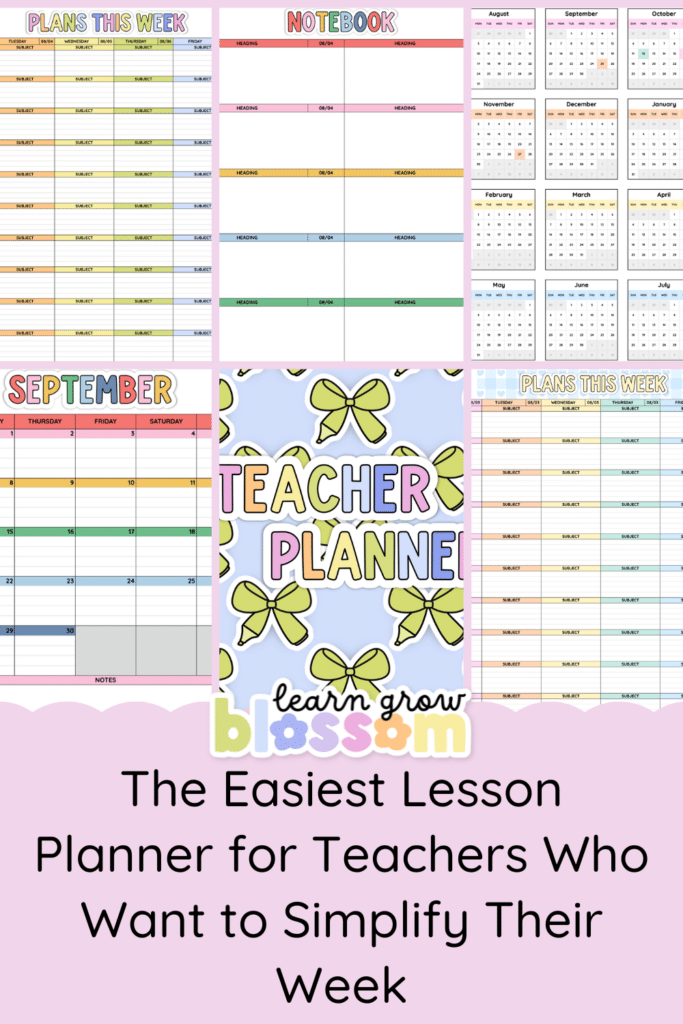
That is why each Google Sheets planner includes three editable weekly lesson planner templates.
You can choose:
- Subjects across the top with dates down the side
- Dates across the top with subjects down the side
- A layout with both dates and subjects arranged horizontally
Choose the version that makes the most sense for your teaching schedule, then customize it from there.
Need another row? Add one. Want another column? Add it. Prefer different colours? Change them.
Once you have your weekly planner set up exactly how you like it, duplicate the sheet and use it again for the next week.
You are not trying to force your teaching day into someone else’s planning system. The planner can adjust to you.
Need More Detail? Use the Daily Lesson Plan Templates
Sometimes a weekly overview is all you need. Other times, you need a little more room.
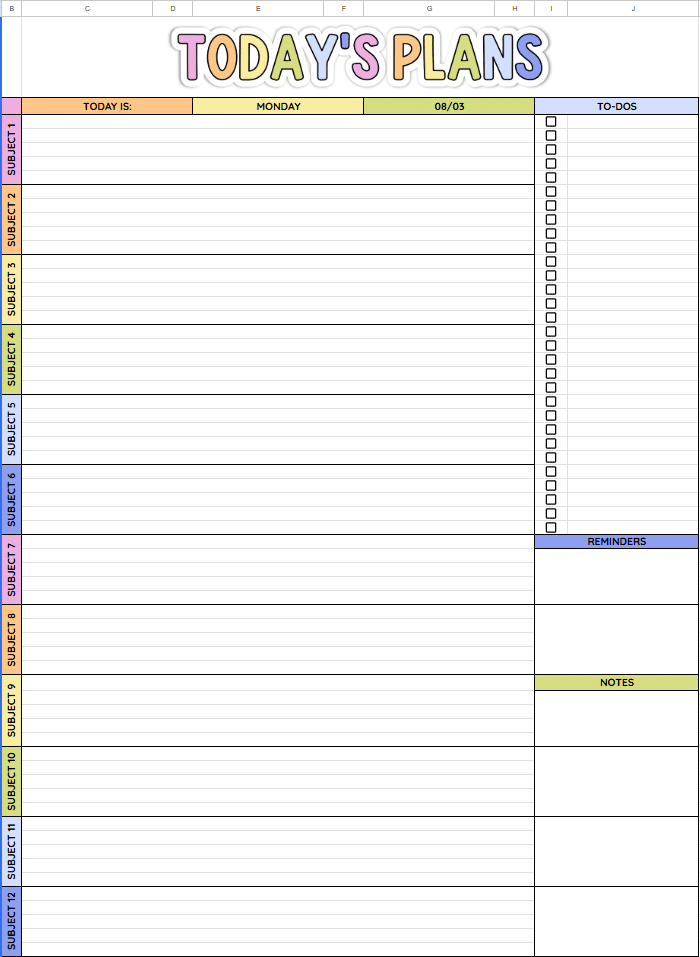
Each planner also includes two editable daily lesson plan templates with both horizontal and vertical subject layouts. This gives you space to plan in more detail when you need it without forcing you to write full daily plans every single week.
Use the weekly lesson planner for your regular planning, switch to a daily template for more detailed lessons or use a combination of both.
There is no planner police 😉
Use the pages that make your life easier.
See the Whole School Year at a Glance
Weekly planning gets much easier when you can actually see what is coming.
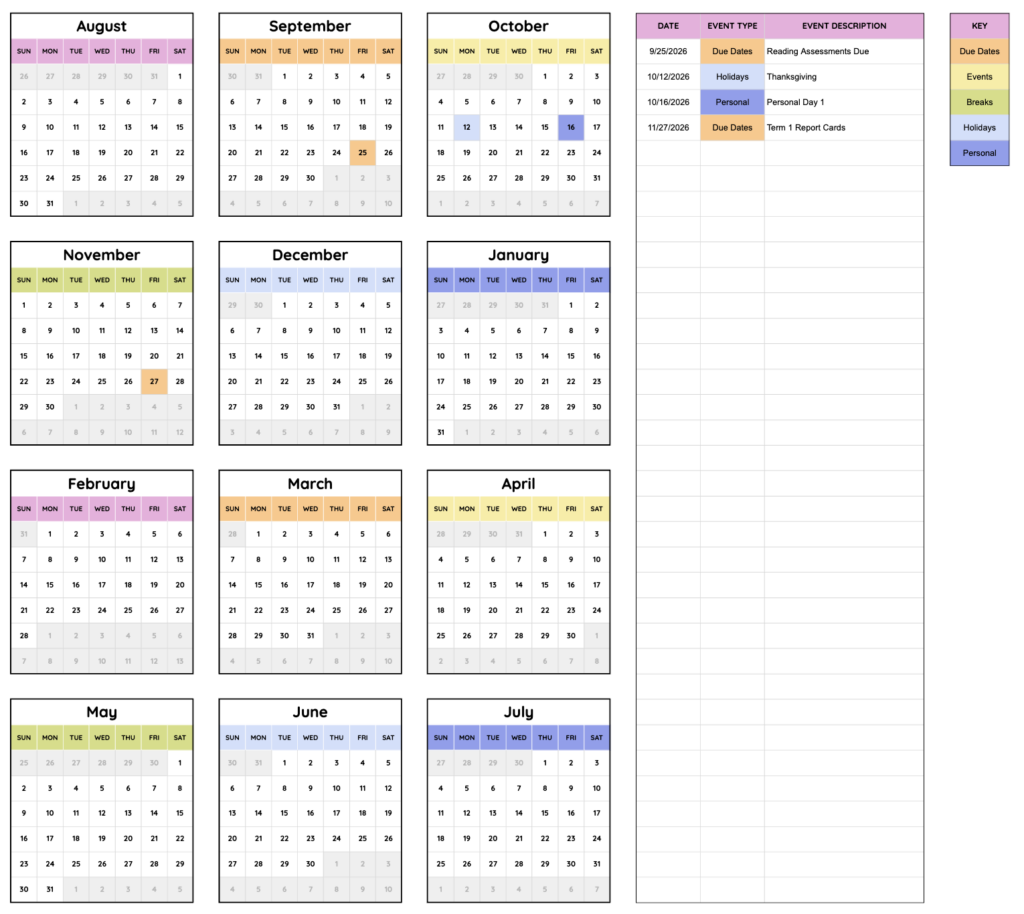
The year at a glance calendar gives you one place to enter your important dates and colour code them for quick reference.
You might use it for:
- school holidays
- professional development days
- report card deadlines
- field trips
- special school events
- assessment dates
- theme weeks
- unit timelines
- assemblies
- concerts
- testing windows
Then, when you are planning future weeks, you can quickly check the bigger picture.
Because realizing on Monday morning that Wednesday is an assembly schedule, Thursday is picture retake day and Friday is a field trip is not technically a planning strategy.
Give Your Teacher To Do List Somewhere to Live
Then there are the things that are not exactly lesson plans but somehow still need to be remembered. Return the permission slips. Email a parent. Prep the science materials. Book the library. Submit the field trip form. Find the laminator pouch you KNOW you put somewhere safe. That is where the checklist calendars come in.
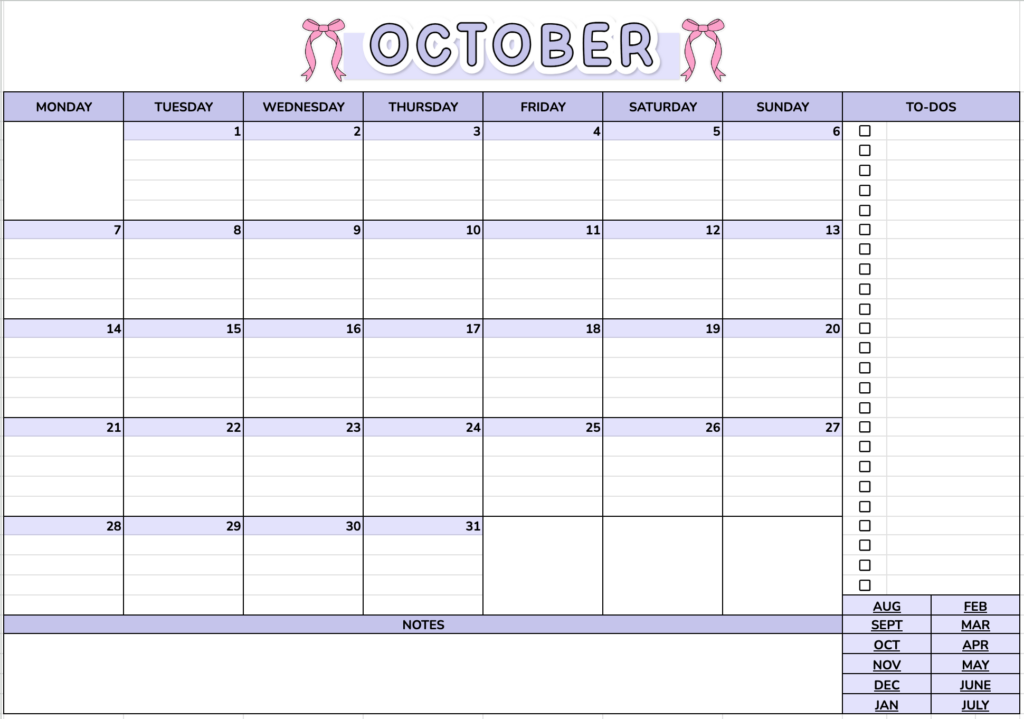
Each digital lesson planner includes monthly checklist calendars that can be used for tasks, reminders, school events, planning notes or whatever else you need to keep track of.
Instead of keeping one list on a sticky note, another in your email drafts, three things in your head and something extremely important written on the back of a worksheet, you can keep your monthly reminders inside your planner.
Customize Your Lesson Planner Without Starting From Scratch
One of the best things about these Google Sheets planners is that they give you structure without locking you into one exact setup.
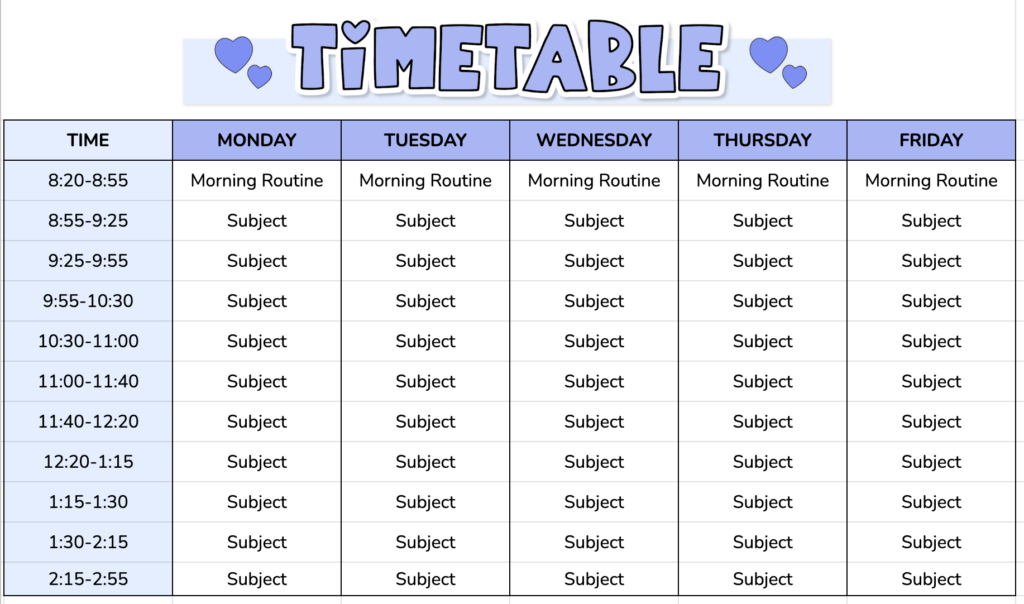
The weekly planner pages and lesson plan templates are editable. You can add rows and columns, change colours and adjust the layout to better fit your classroom and schedule.
So you get the best of both worlds. You do not have to stare at an empty Google Sheet and build a teacher planner yourself. But you also are not stuck with a rigid planner that almost works for you.
Start with the ready made templates and tweak what you need.
Plan Digitally and Print When You Want To
Maybe you love digital planning but still want a printed copy sitting beside you during the school day. You can do both!
The planner pages are designed to print on standard letter sized paper, so you can complete your plans digitally and print them whenever you want a physical copy. Plan on your computer, print your week, stick it on your clipboard, leave a copy for a substitute, put it beside your small group table, digital when digital is convenient and paper when paper is convenient.
You do not have to pick a team.
It Still Feels Like a Planner, Not Just a Spreadsheet
Google Sheets is practical. Cute? Not always.
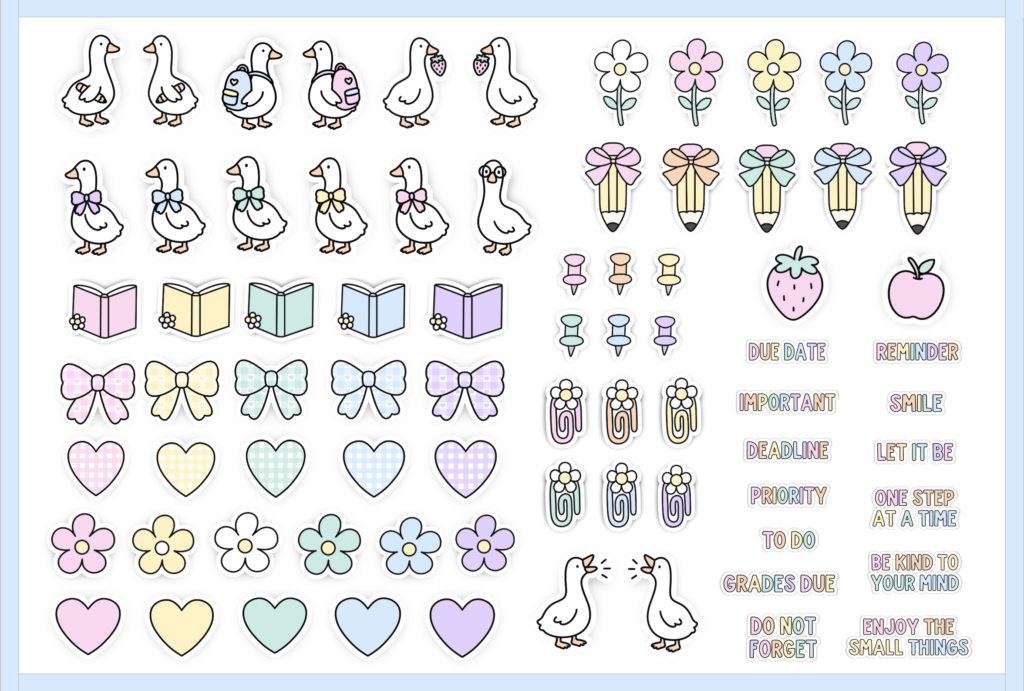
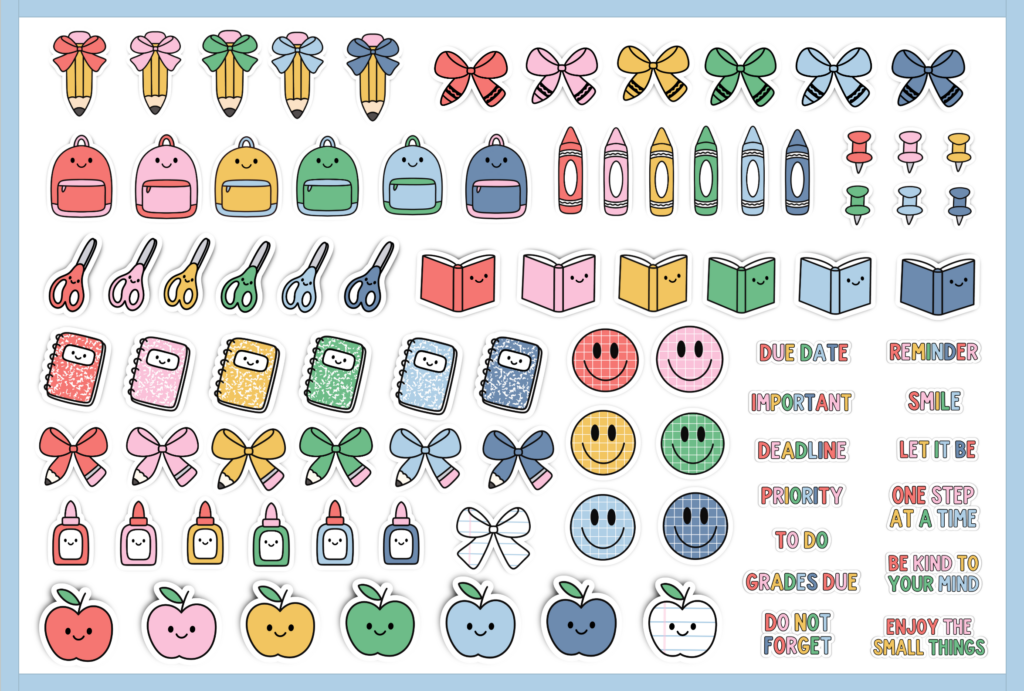
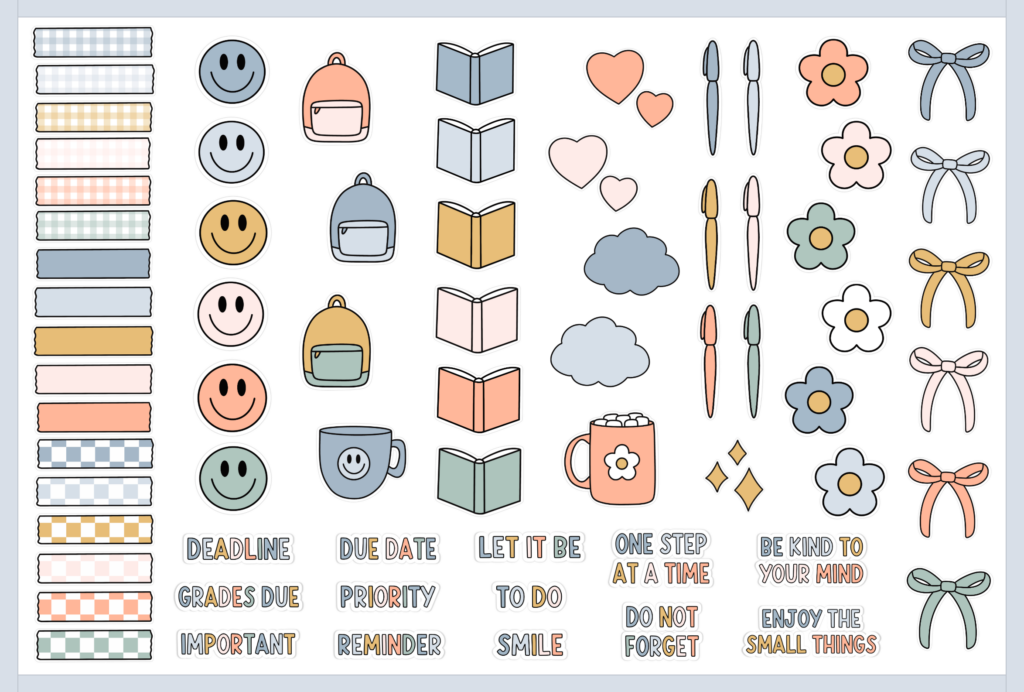
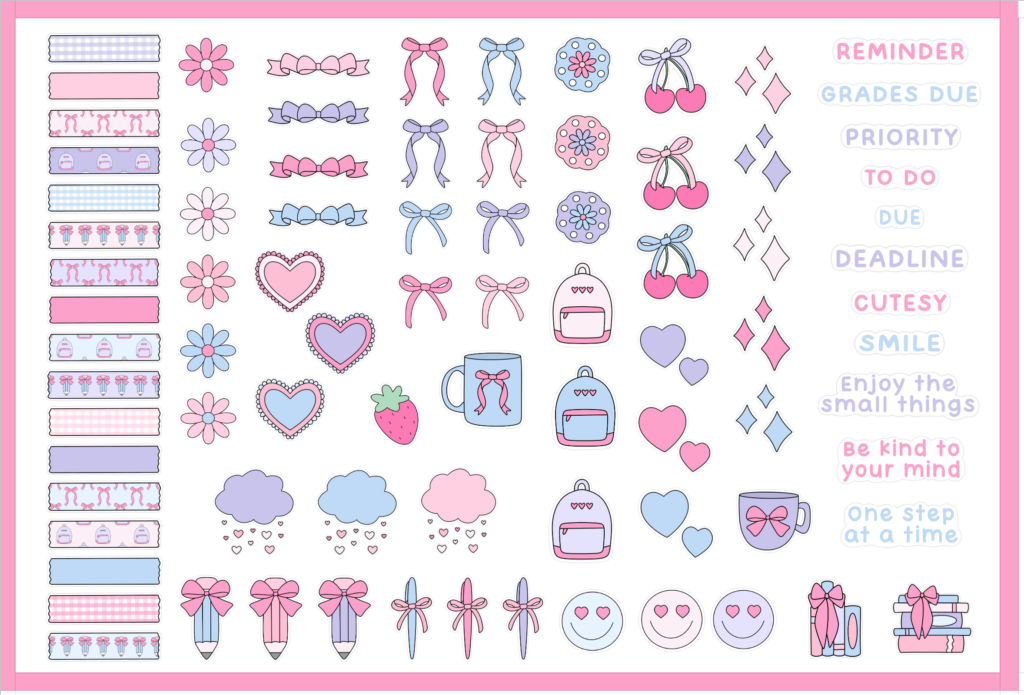
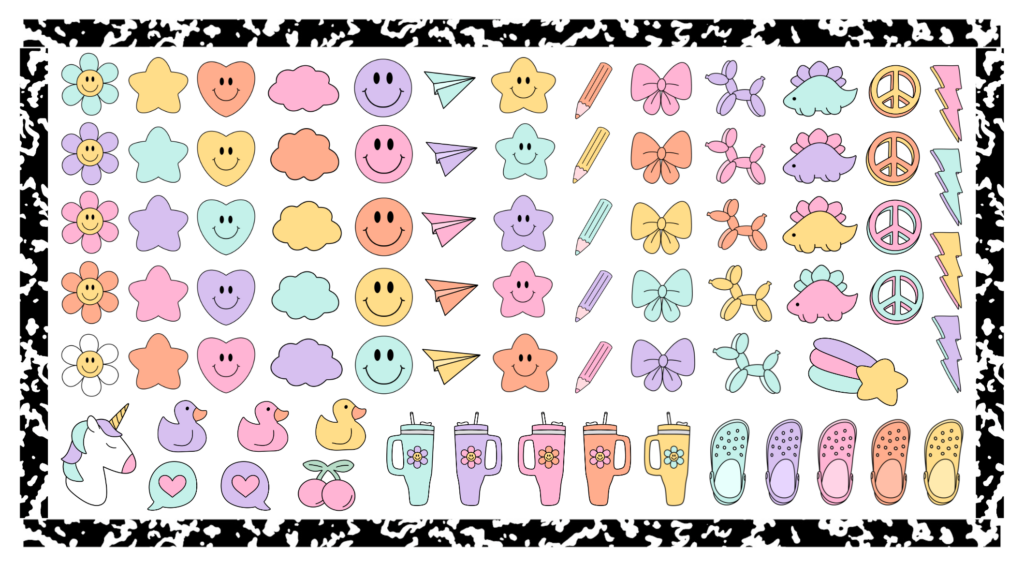
That is where the covers, classroom themes and digital stickers come in. Depending on the planner design you choose, there are dozens of hand-drawn digital planner stickers that can be resized, copied and reused throughout your planner.
You can add them to calendar pages, weekly planning sheets or notebook pages to personalize your planner and make important information stand out. The different designs also include coordinating planner covers, so your lesson planner can match your classroom style.
Teacher organization, but make it cute!
Choose Your Lesson Planner Style
The planning system may be the same, but the look definitely does not have to be.
There are several different planner styles, which means you can choose the one that feels most like your classroom.
Silly Goose Teacher Planner
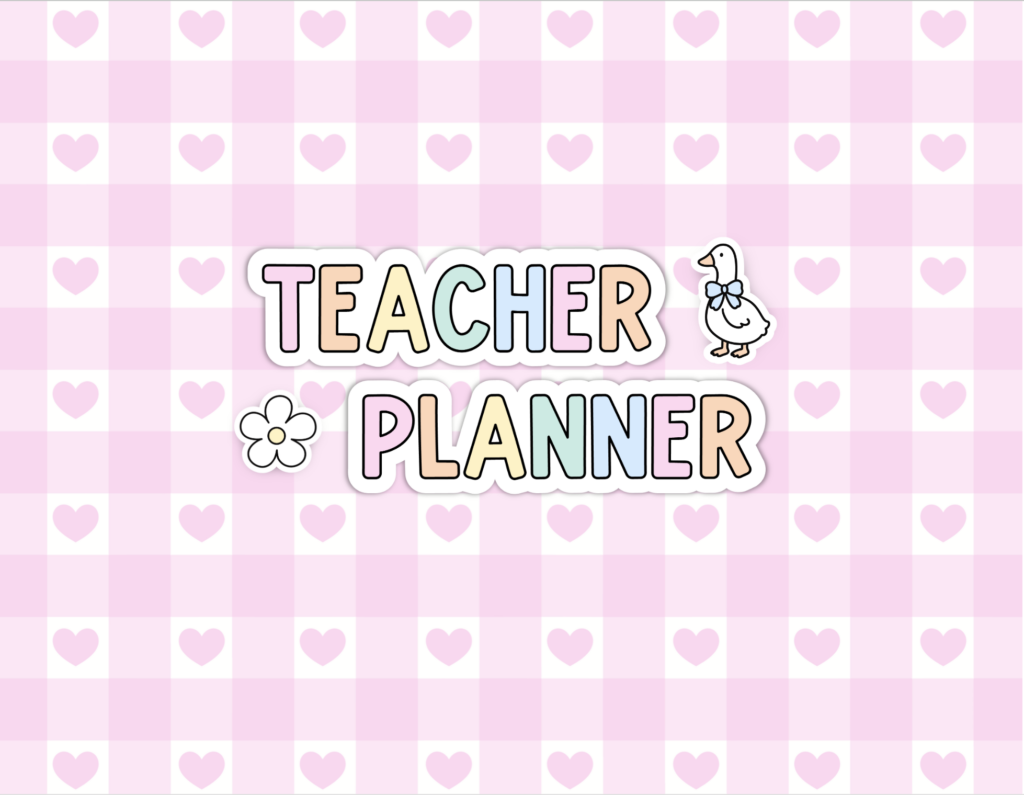
If your classroom style is playful, cheerful and a little silly, the Silly Goose Google Sheets Teacher Planner is probably calling your name.
It includes eight cover options and 80 hand drawn digital stickers, all designed to coordinate with the Silly Goose classroom decor collection.
SHOP THE SILLY GOOSE LESSON PLANNER
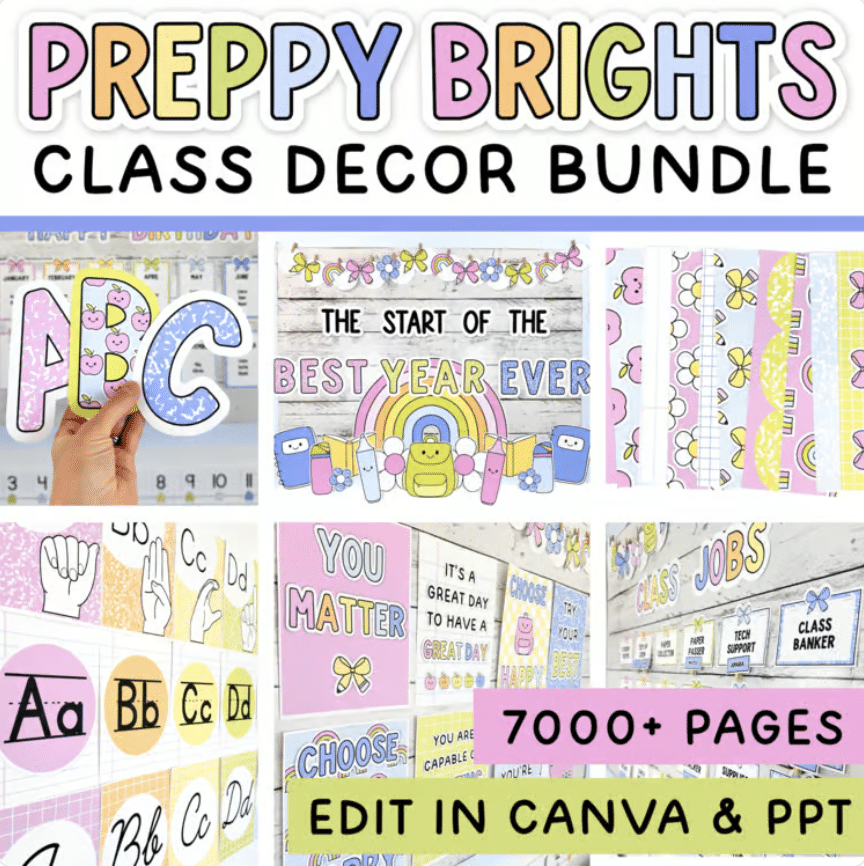
Preppy Brights Teacher Planner
Love bright colours and bold classroom decor?
The Preppy Brights Google Sheets Teacher Planner includes eight cover choices and 89 hand-drawn digital planner stickers.
It coordinates with the Preppy Brights classroom decor collection, so your digital planning space can match the rest of your classroom.
SHOP THE PREPPY BRIGHTS LESSON PLANNER
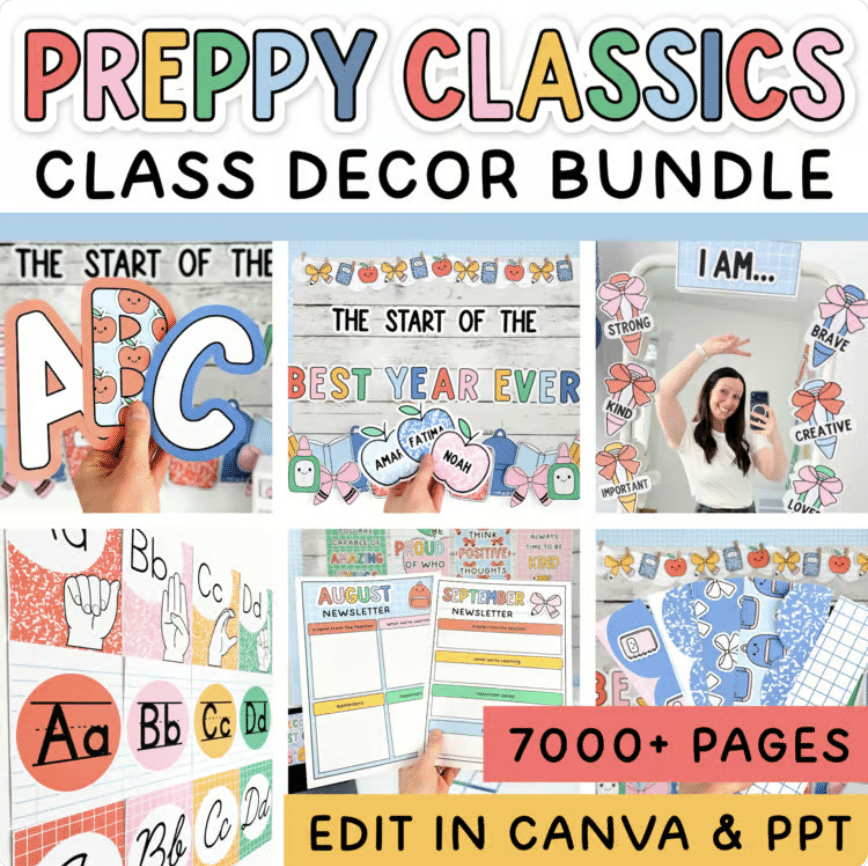
Preppy Classics Teacher Planner
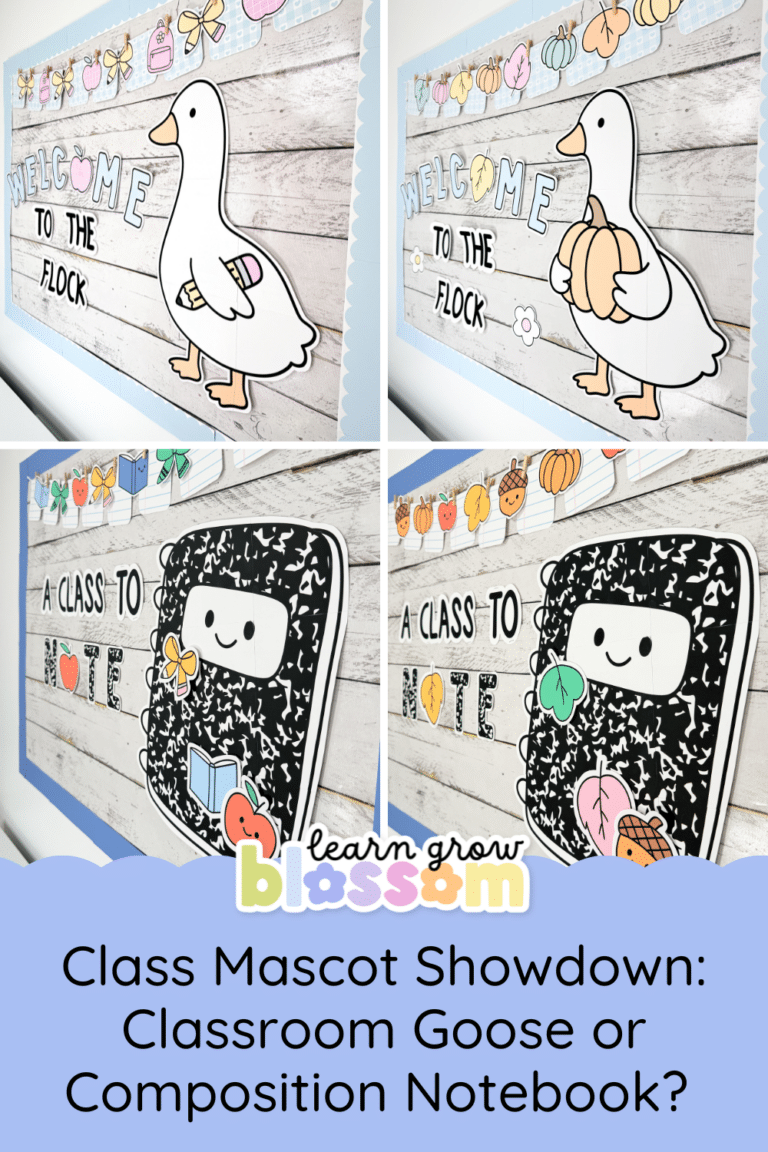
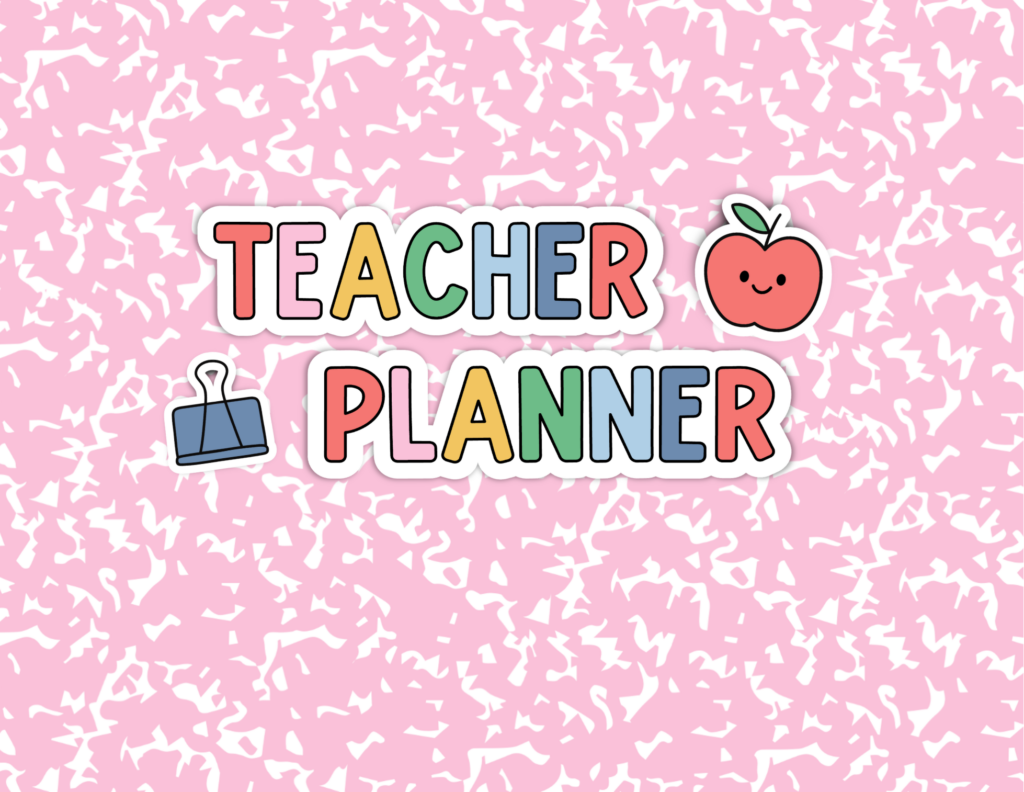
For a colourful composition-notebook-inspired look, try the Preppy Classics Teacher Planner.
This version includes seven cover choices and 84 hand-drawn digital stickers.
SHOP THE PREPPY CLASSICS LESSON PLANNER
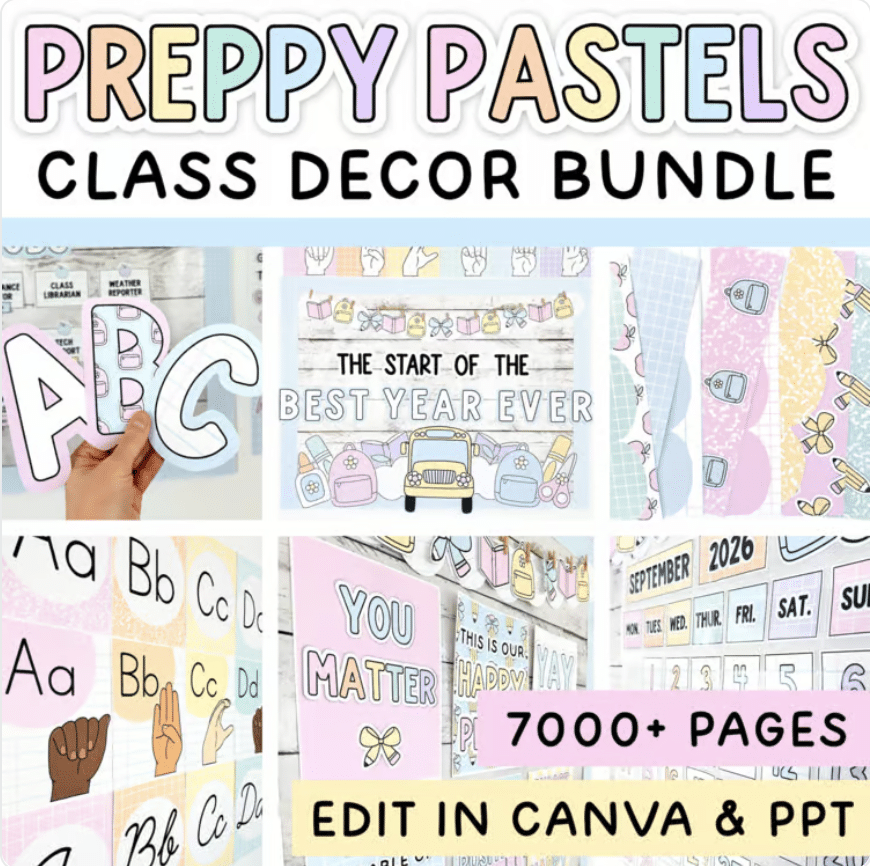
Preppy Pastels Teacher Planner
If soft colours are more your thing, the Preppy Pastels Google Sheets Teacher Planner includes 11 different cover choices and 90 hand drawn digital stickers.
There are plenty of ways to personalize this one while keeping that soft pastel classroom look.
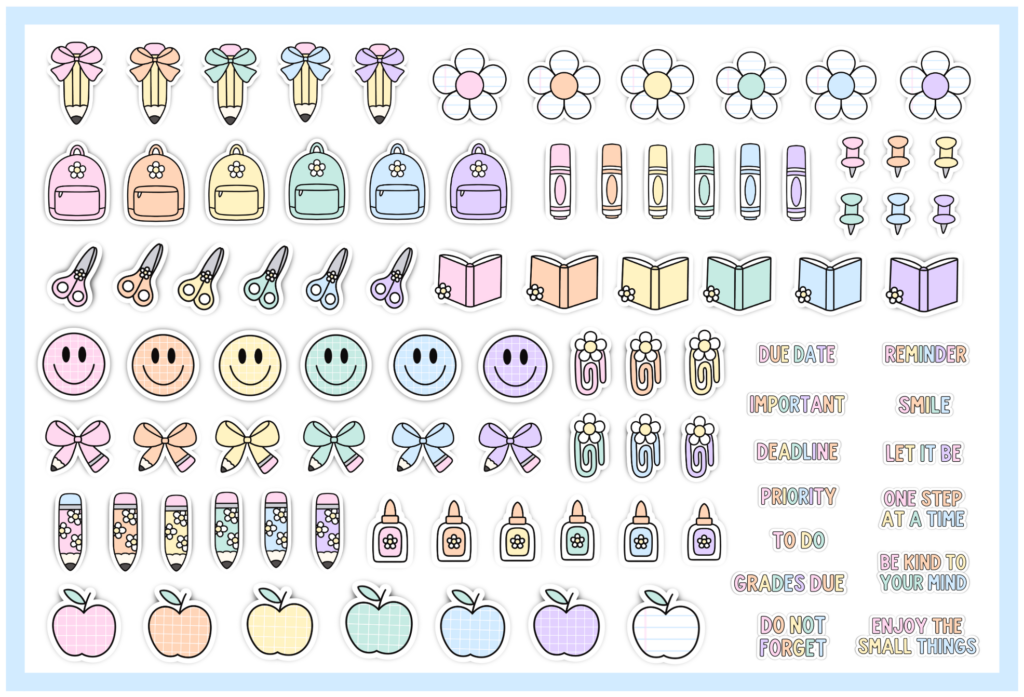
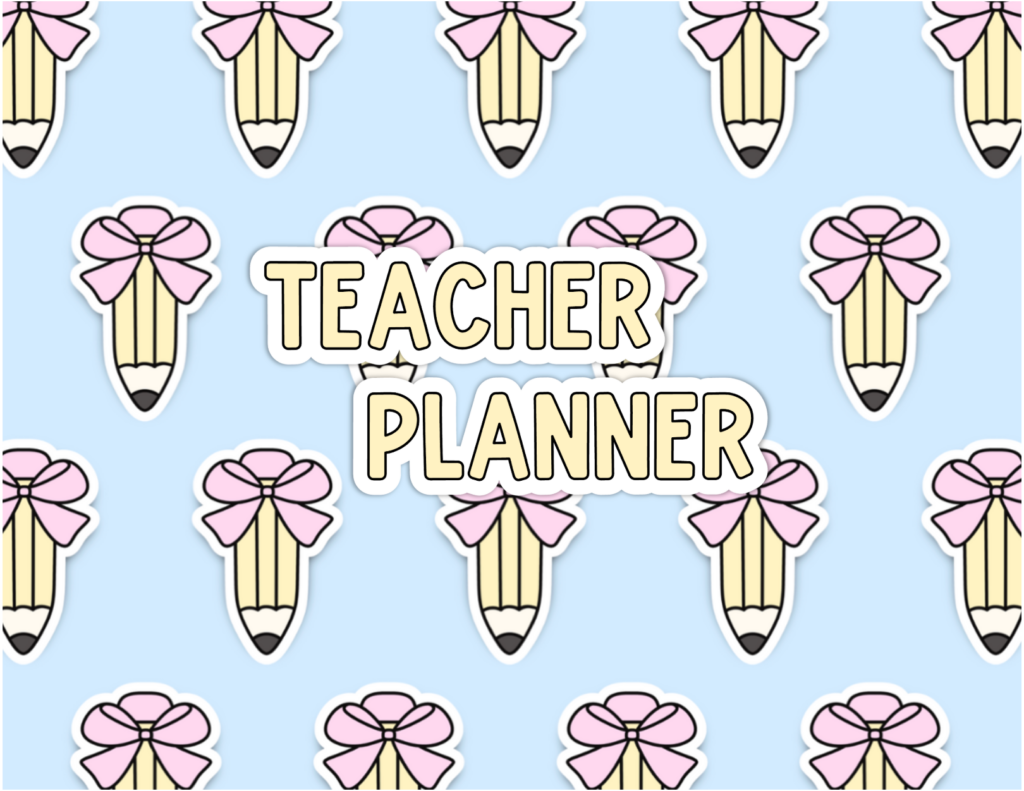
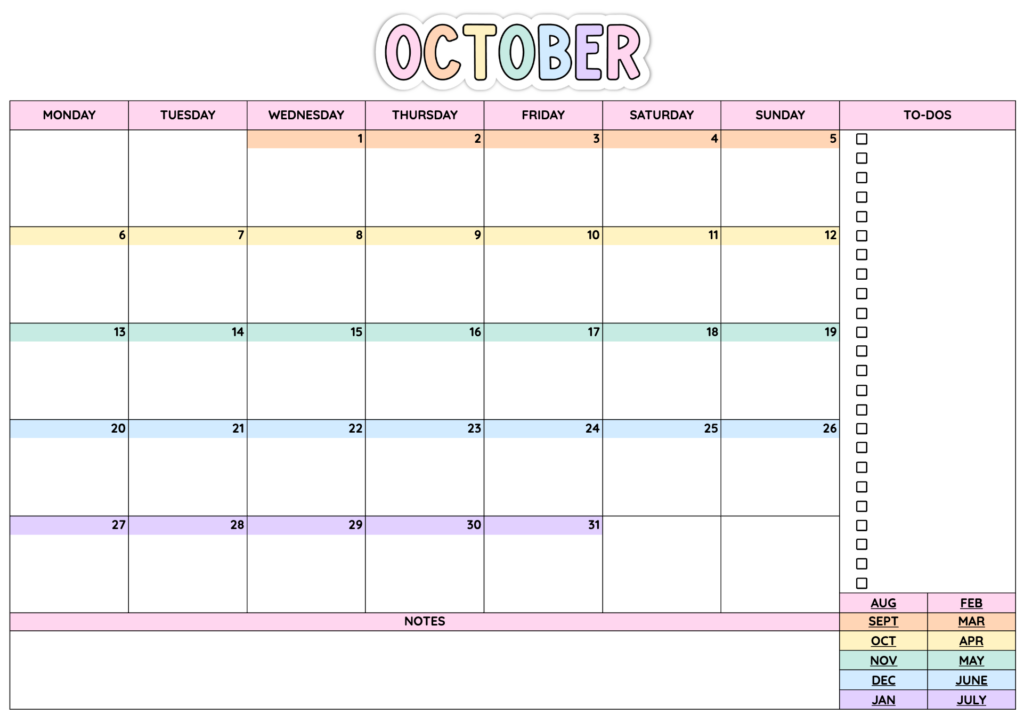
SHOP THE PREPPY PASTELS LESSON PLANNER
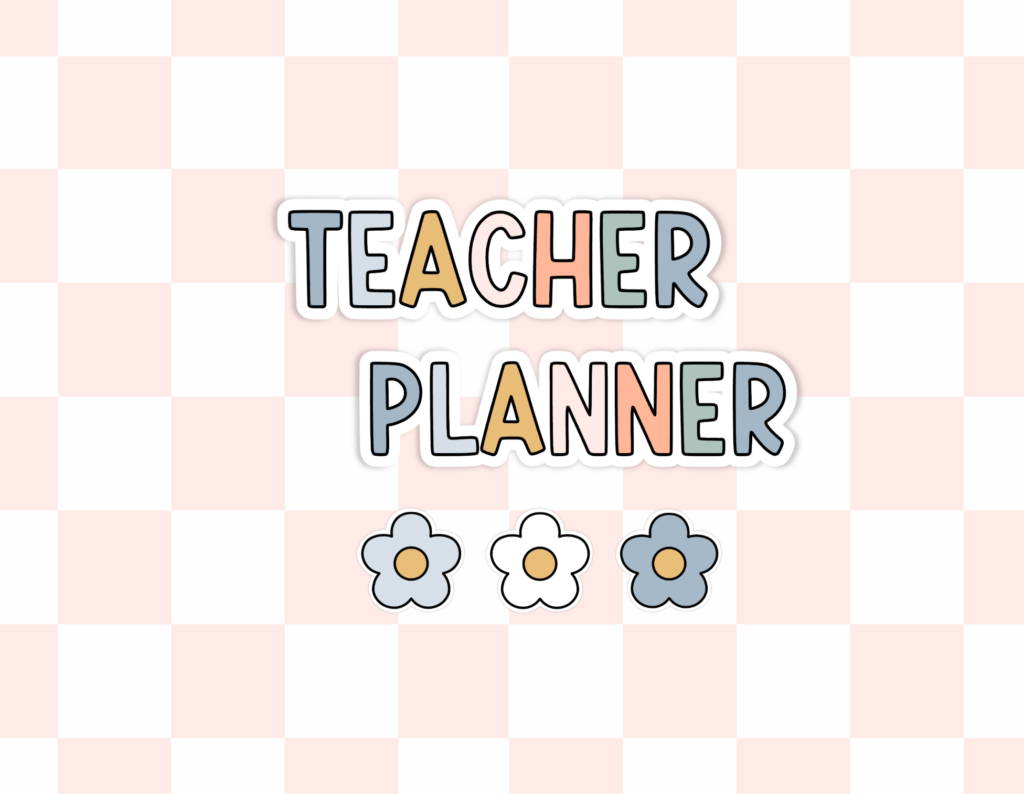
Fun Boho Teacher Planner
The Fun Boho Teacher Planner has a warmer, neutral classroom look with nine cover choices and 70 hand drawn digital stickers.
It is perfect if you like a fun classroom theme without super-bright colours.
SHOP THE FUN BOHO LESSON PLANNER
Pink Coquette Teacher Planner
Bows, pink and pretty planner details?
Yes, please.
The Pink Coquette Google Sheets Teacher Planner includes 84 hand drawn digital stickers along with the same customizable lesson planning and calendar system.

SHOP THE PINK COQUETTE LESSON PLANNER
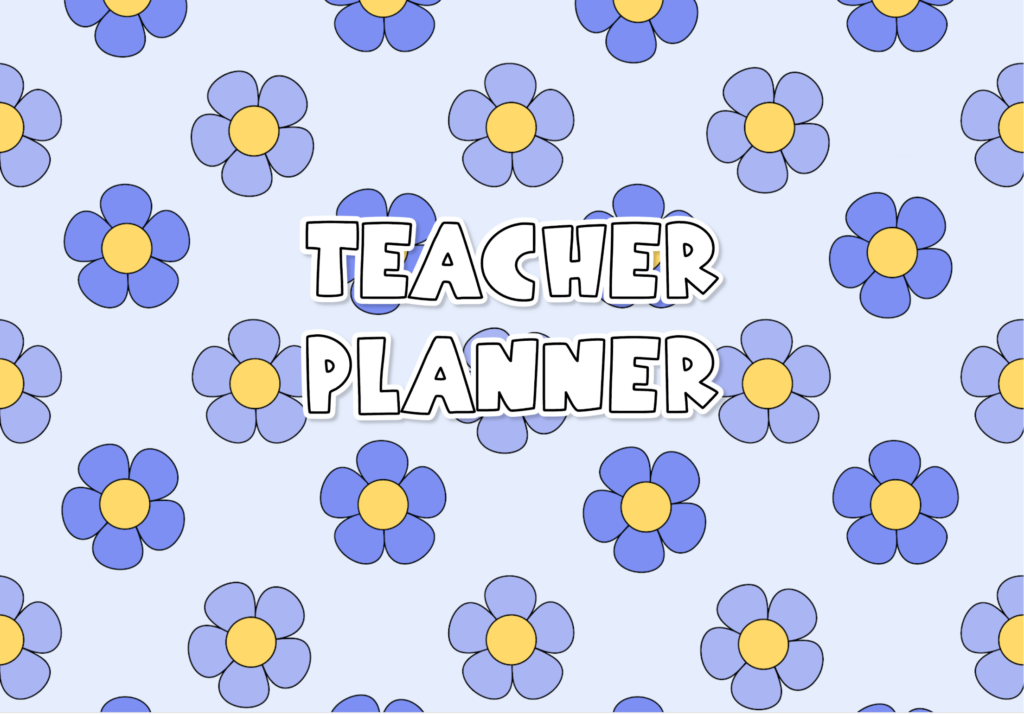
Blue Daisy Teacher Planner
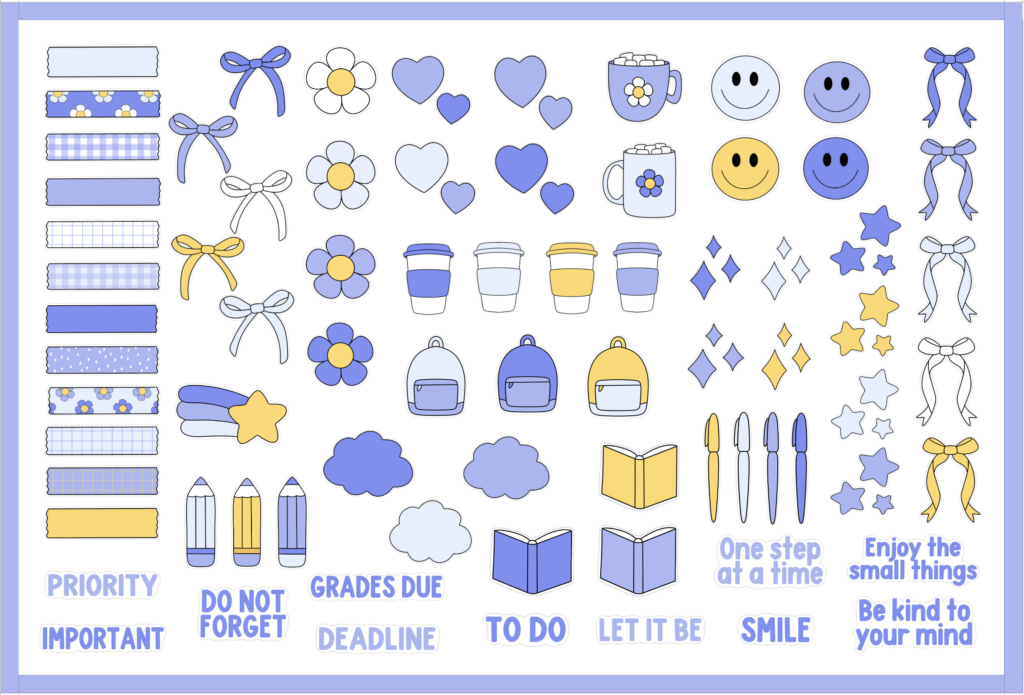
The Blue Daisy Teacher Planner gives the planner a fresh blue floral look while keeping all of the same practical planning features.
It also includes 76 hand drawn digital stickers for personalizing your pages.
SHOP THE BLUE DAISY LESSON PLANNER
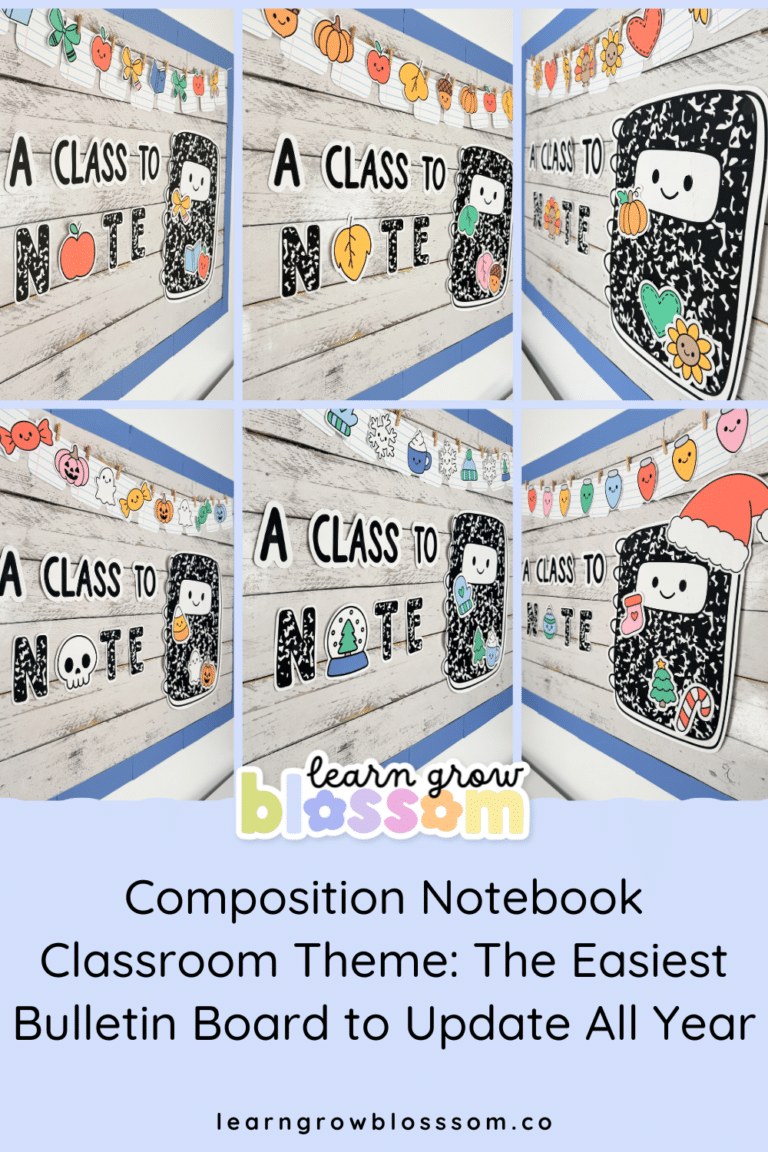
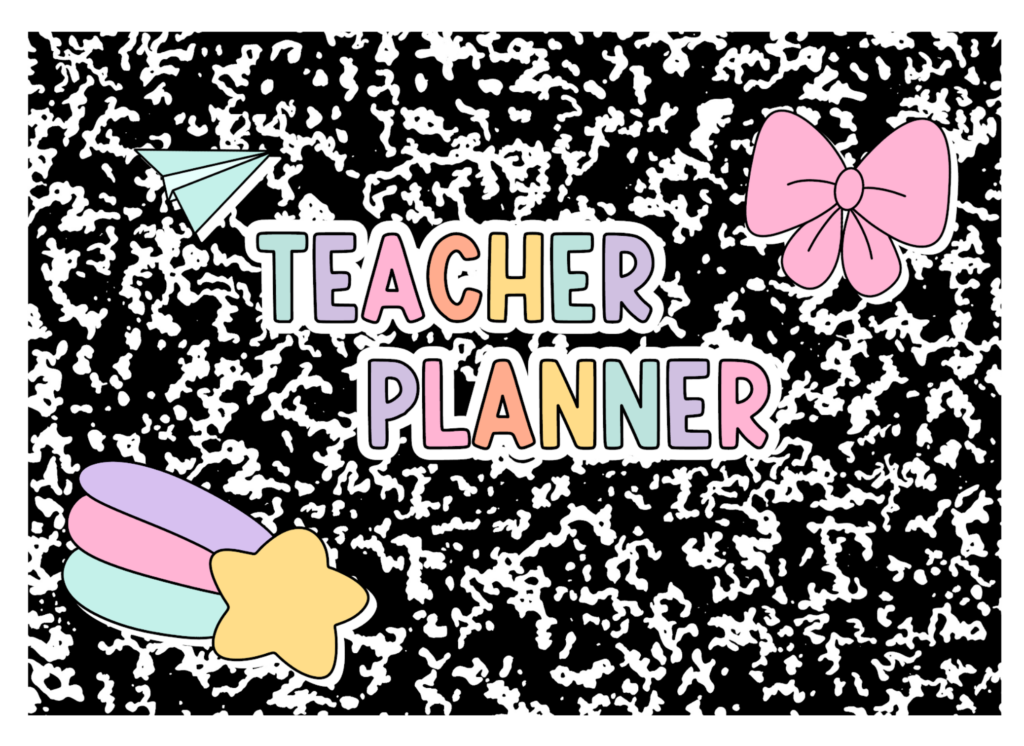
Composition Notebook Teacher Planner
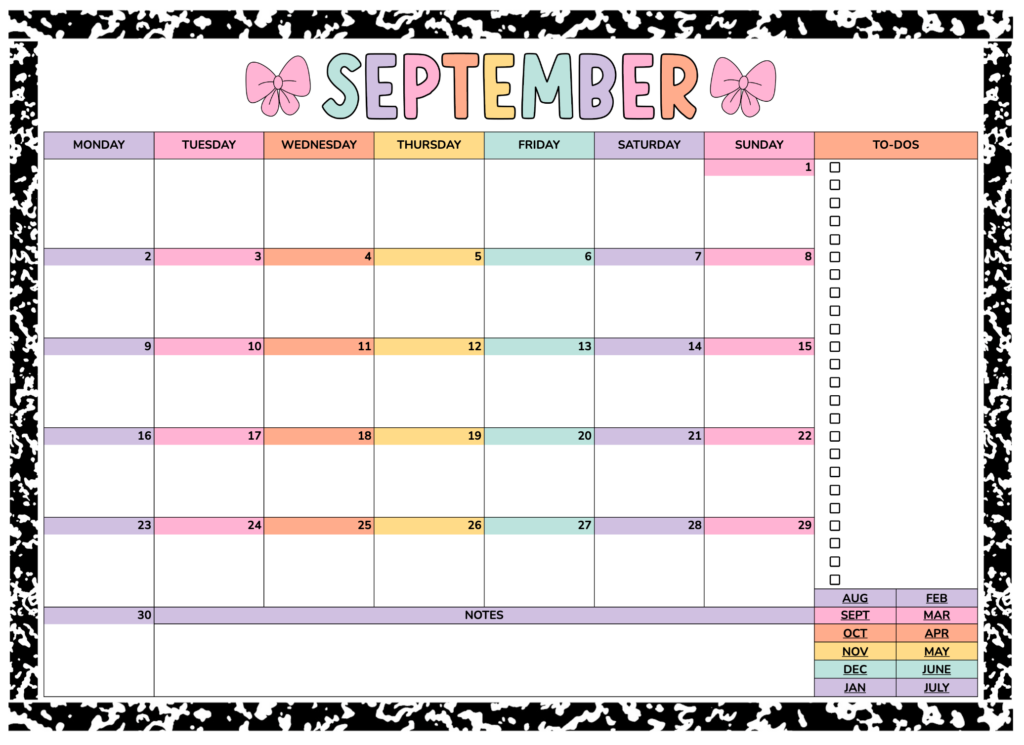
And if you love the trendy composition notebook classroom look, there is a planner for that too.
This version includes 80 hand drawn digital stickers and coordinates beautifully with composition notebook classroom decor.
SHOP THE COMPOSITION NOTEBOOK LESSON PLANNER
Your Planner Does Not Have to Match Your Classroom
Of course, it can. And matching your digital planner to your classroom decor is extremely satisfying. But it does not have to. Choose the design you want to look at every day.
Maybe your classroom is neutral but your digital planner is covered in bright stickers. Maybe your room is rainbow and your planner is pink and covered in bows. No one is checking. The important part is choosing a lesson planner you will actually use.
There Is a Tutorial to Help You Get Started
Even though the planner is designed to be simple, you do not have to figure it all out on your own.
A tutorial video is included to walk you through setting up your Google Sheets teacher planner, customizing the pages and using the editable weekly planner templates.
So if you are new to digital planning or have never used Google Sheets as a lesson planner before, you can follow along and get everything set up.
Then the next time you open it, you can just plan.
Exactly as it should be.
Want the Complete Teacher Planning System?
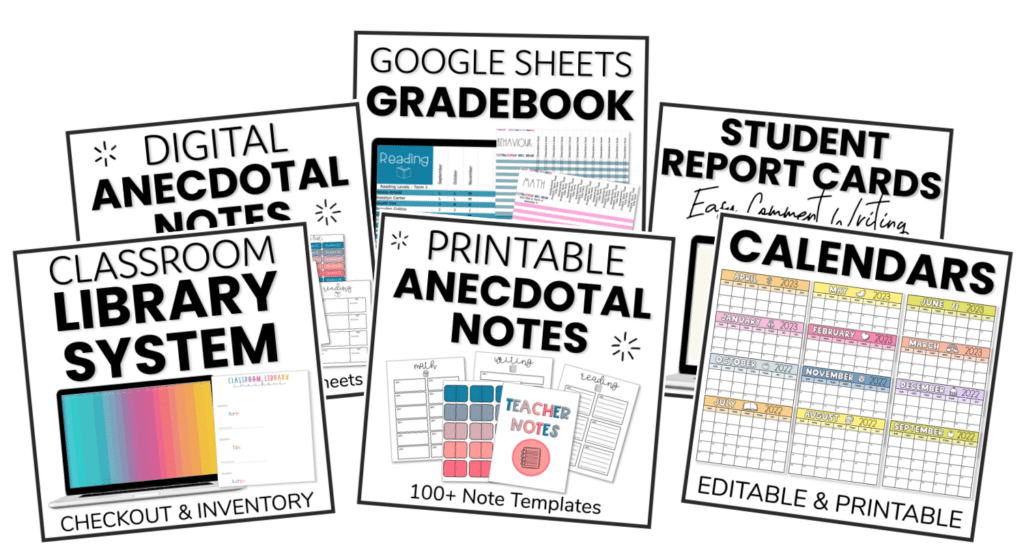
If you want to go beyond weekly lesson planning, check out the Teacher Planner Mega Bundle.
Along with the planner resources, the Mega Bundle includes additional tools such as digital planner stickers, unit planning templates and year at a glance planning templates to help you organize both the big picture and the everyday details.
Instead of piecing together one resource for weekly planning, another for units and something else for long-range planning, you can keep your teacher organization tools working together.
SHOP THE TEACHER PLANNER MEGA BUNDLE
Make Lesson Planning the Easy Part of Your Week
Teaching is unpredictable. Your planning system does not need to be.
A good lesson planner should help you see what is coming, organize what needs to happen and make it easy to adjust when the week inevitably changes.
These Google Sheets teacher planners give you dated calendars that update year after year, editable weekly and daily lesson plan templates, monthly checklists, year-at-a-glance planning, printable pages, digital stickers and plenty of ways to customize everything to fit your classroom.
All without requiring a special device or complicated digital planning system.
Open Google Sheets.
Choose your layout.
Plan your week.
Done.
Now if only it could also make the copies.