




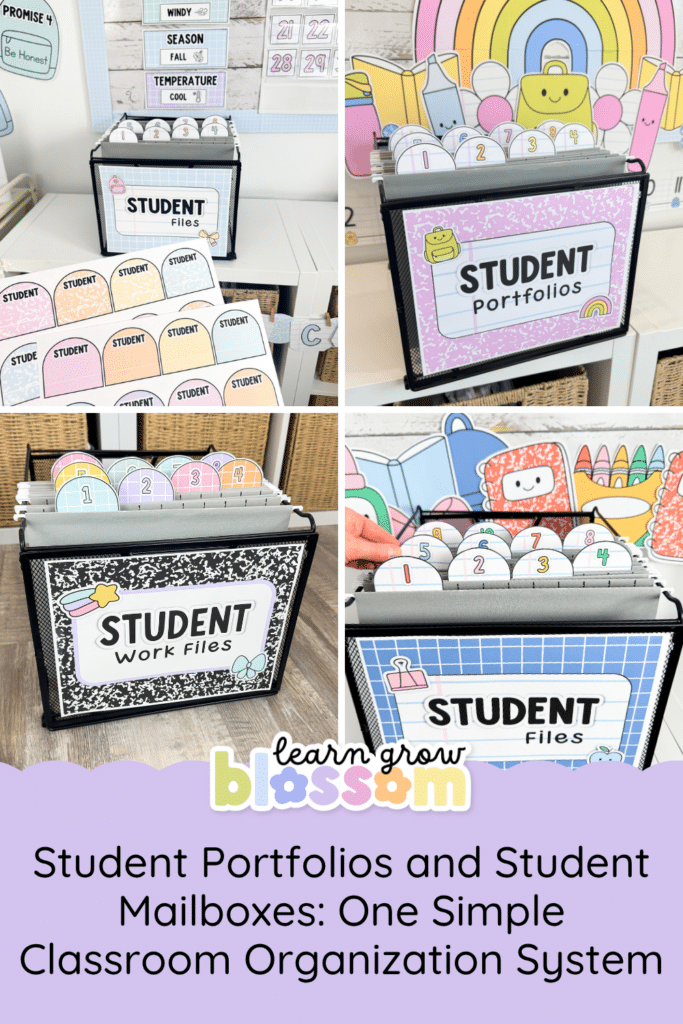
How one classroom organization system can work as your student portfolios, student mailboxes, student files, absent folders, or unfinished student work (may dos). Because, let’s be honest, you need your classroom organization system to do more than one job. Classroom space is limited, storage is precious, and I don’t know a teacher who needs another giant organizational system taking up half a wall.
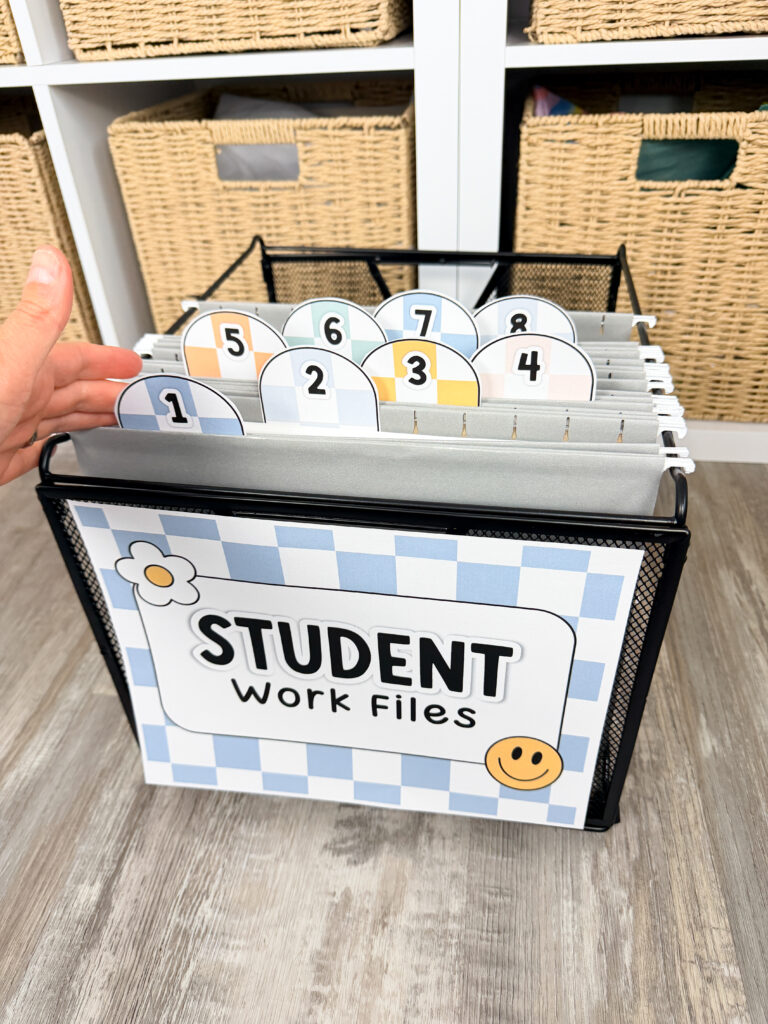
That’s what makes this editable folder organization set so useful. With a tub, a set of file folders and the included labels, you can create student portfolios, student mailboxes, student files, absent folders or an entire system for managing unfinished work.
You can choose the setup that solves your biggest classroom problem right now. Then, if your needs change next year, you can use the same resource in a completely different way.
Below you’ll find a few ideas for using this ONE student files resource that does all the heavy lifting for your classroom organization (and classroom management, too!)
Student Portfolios
Student portfolios give students a place to collect work that shows their learning, growth and accomplishments throughout the year.
Rather than saving every worksheet a student has ever touched, portfolios can be used to collect a smaller selection of meaningful pieces. Students could add a writing sample they are proud of, a project that challenged them, an assessment that shows their progress or a piece of work they would like to share with their families.
The best part is that students can help manage their own portfolios. When they complete something worth saving, they can place it in their labelled folder. No loose stacks on your desk. No trying to remember where you put that fantastic writing sample from November when report cards arrive in March.
Student portfolios are also helpful during parent teacher conferences or student led conferences. Rather than only talking about a student’s progress, you have actual examples ready to share. Students can look back at earlier work, see how much they have improved and choose pieces that best show their learning.
Because the portfolios are stored together in one tub, they are easy to access whenever you need them. You can even take the whole tub home when it is time to write report cards, which is much easier than transporting seven mysterious piles of paper and hoping they remain in alphabetical order.
Student Mailboxes
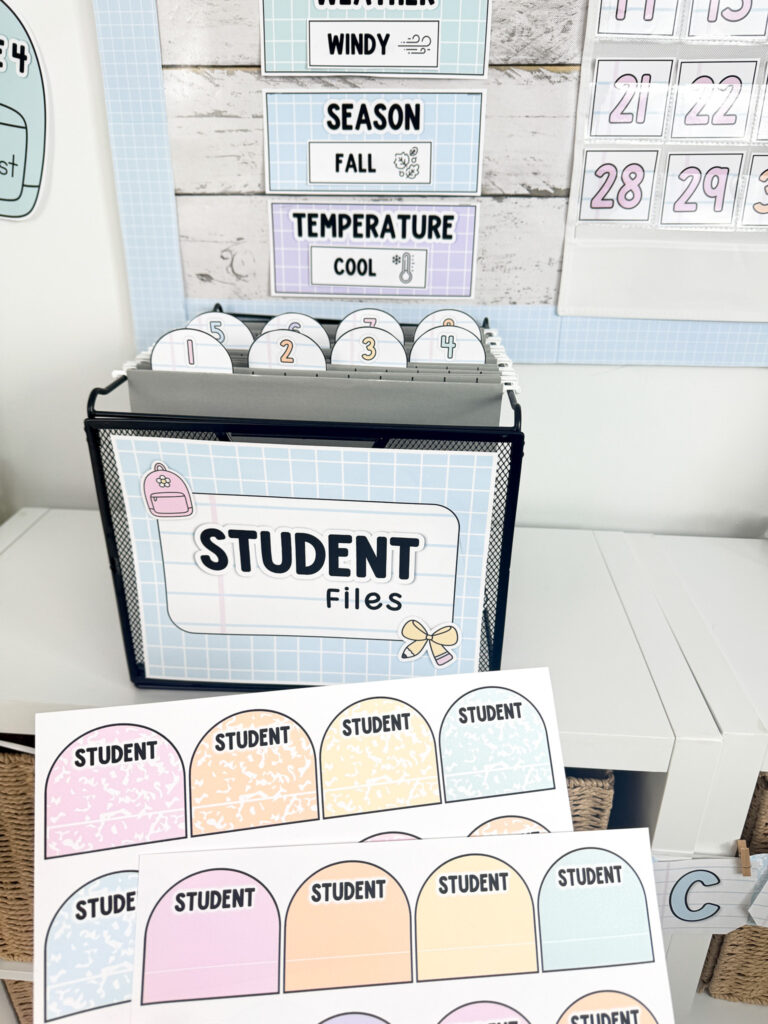
Traditional student mailboxes are useful, but they also take up a lot of space. If you do not have the space for a large wooden (or cardboard) mailbox system, file folders can create the same basic routine in a much smaller footprint. Plus, most traditional student mailboxes cost a small fortune.
Give each student a labelled folder and place the folders together in a tub near the classroom door. Newsletters, permission forms, completed work and assessments that need to be signed, are slipped into the appropriate folders throughout the day.
Students can check their mailboxes as part of their end of day routine and place the papers directly into their backpacks.
This system works really well if you only send home a few papers at a time. You still get the convenience of individual student mailboxes without dedicating a large section of your classroom to them.
It also makes distributing papers much easier. You can file items whenever you have a spare moment, or assign a responsible student to help sort them. Anything that prevents you from standing at the door waving 27 field trip forms while everyone is trying to leave is a win.
Student Files
Although student files and student portfolios may sound similar, they can serve slightly different purposes.
A portfolio usually contains a carefully selected collection of work that demonstrates a student’s progress. A student file can hold a wider range of work from the current term, including assessments, tests, writing samples, unfinished assignments and other pieces you may need to reference later.
Throughout the term, you can ask students to place specific work in their files. When report card time arrives, each student’s assessments and work samples are already gathered in one place.
This gives you more information than a grade book alone. You can quickly look through a student’s writing, review recent assessments and find specific examples of strengths or areas that still need support.
At the end of the term, send the contents home and begin again with empty folders. Starting a new term with freshly cleared student files is one of those tiny organizational ways that teachers deserve to enjoy.
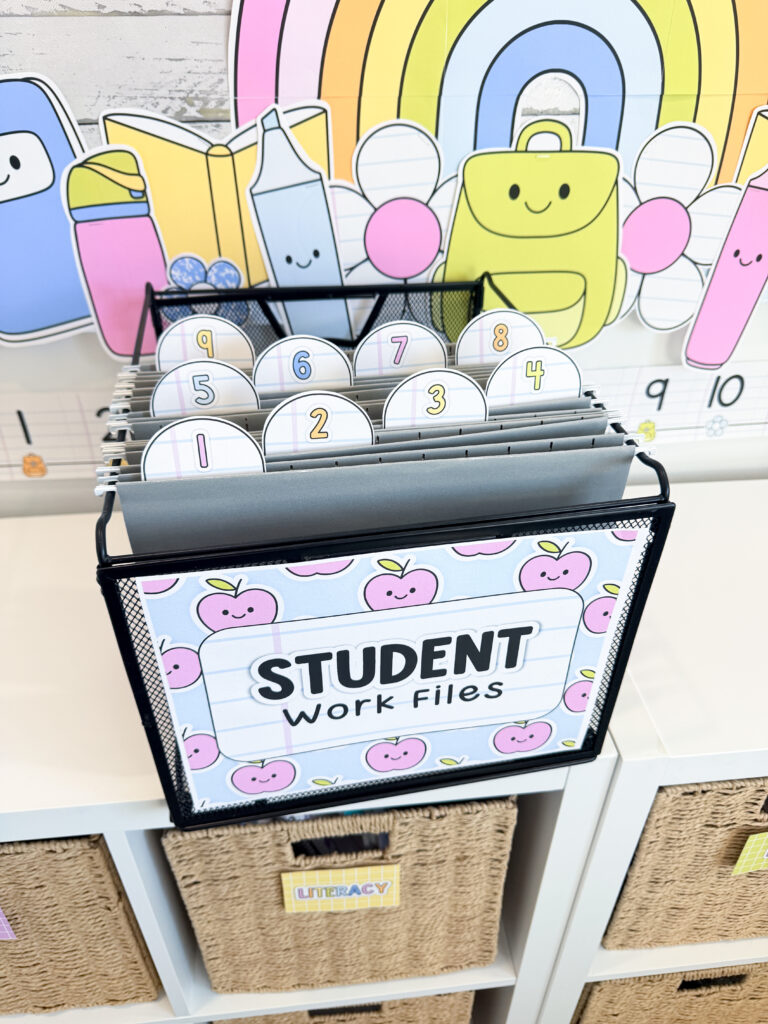
Absent Folders
If you have answered “What did I miss?” several hundred times, absent folders may become your new favourite classroom system.
When a student is away, place any missed assignments, handouts or important information inside their folder. When they return, they know exactly where to look.
Like any classroom routine, absent folders work best when students are taught how to use them. Show students where the folders are kept, when to check them and what to do with the work they find inside.
This creates more independence for students and fewer interruptions for you. It also prevents missing work from becoming buried on your desk underneath a coffee cup, three sticky notes and the book you have been meaning to read aloud since Tuesday.
You can manage absent folders in a couple of different ways. Create one folder for each student, or use a smaller number of general folders labelled with days of the week. Choose whichever option fits your classroom routines and the age of your students.
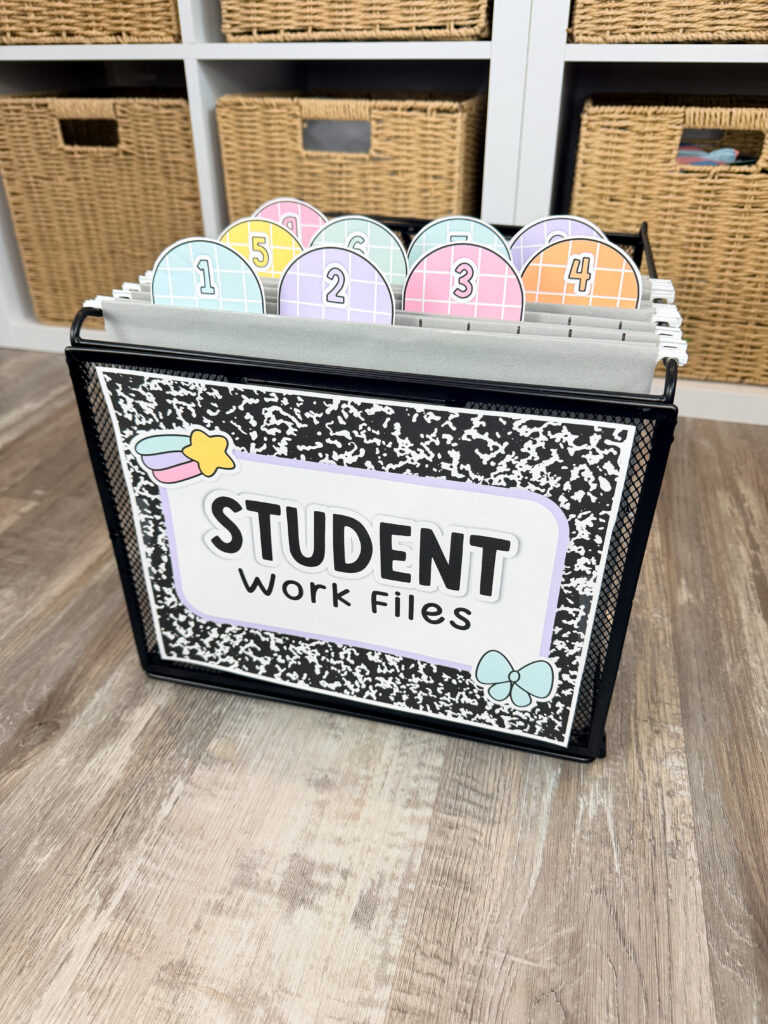
Must Do & May Do Folders
The same folders can also be used to organize must do and may do activities.
Must do folders can hold assignments students need to finish, including work missed during an absence or tasks they did not complete during class. When students have extra time, they can check their must do work before moving on to anything else.
May do folders can hold optional activities, review tasks, games or early finisher work. These are the activities students can choose after their required work is complete.
This creates a clear routine without requiring students to ask, “What do I do now?” every seven minutes.
You could even create one folder for each student or organize the activities by subject, skill or type. Because the labels are editable, you can build the system that makes the most sense for your classroom.
Weekly Folders
Need a consistent way to send papers home? The folders can also become weekly folders.
Place completed work, classroom updates and notices in each student’s folder throughout the week. Send the folders home on the same day each week and ask students to return them on Monday.
This gives families one predictable place to look for school information and keeps loose papers from slowly multiplying in the bottom of students’ backpacks.
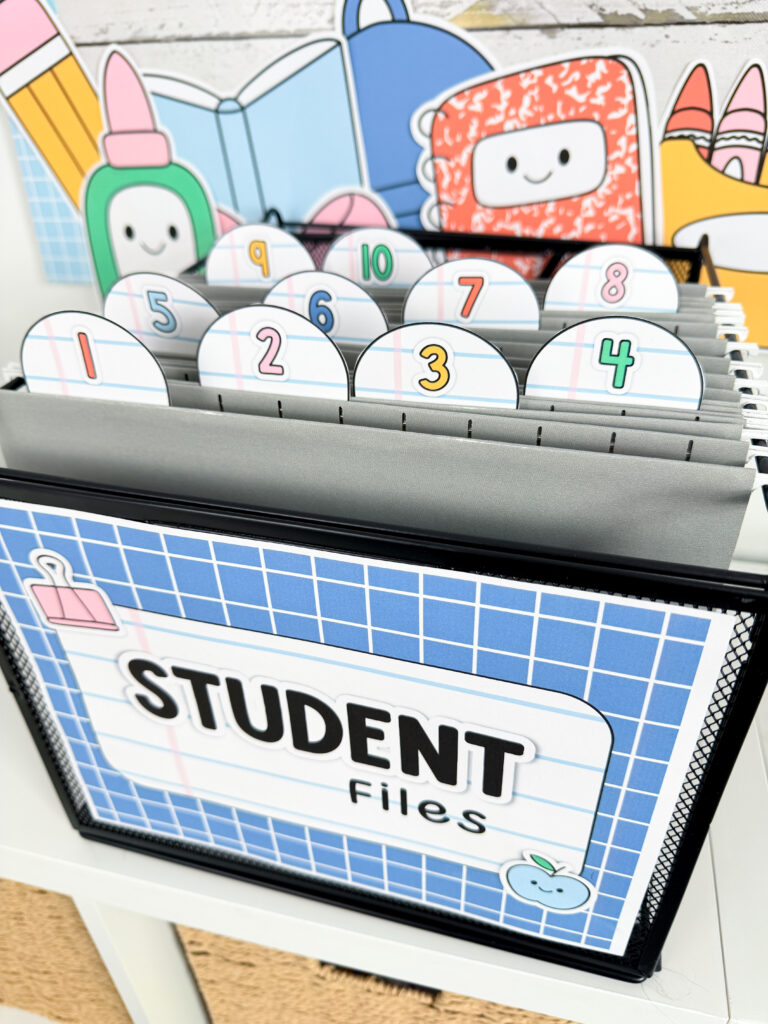
Early Finisher Folders
Early finisher activities can quickly become a collection of task cards, puzzles and half used worksheets spread across all corners of the classroom.
File folders make it easy to organize those activities by subject or type. You might create folders for reading, writing, math, puzzles, drawing or independent projects.
Students can choose an activity without needing directions every time they finish their work. You get a calmer transition, and students get choices that feel a little more purposeful than asking if they can sharpen every pencil in the room.
How to Assemble Your Folder System
Setting up your student portfolios, student mailboxes, student files, absent folders (or whatever you want to use this resource for) is SIMPLE!
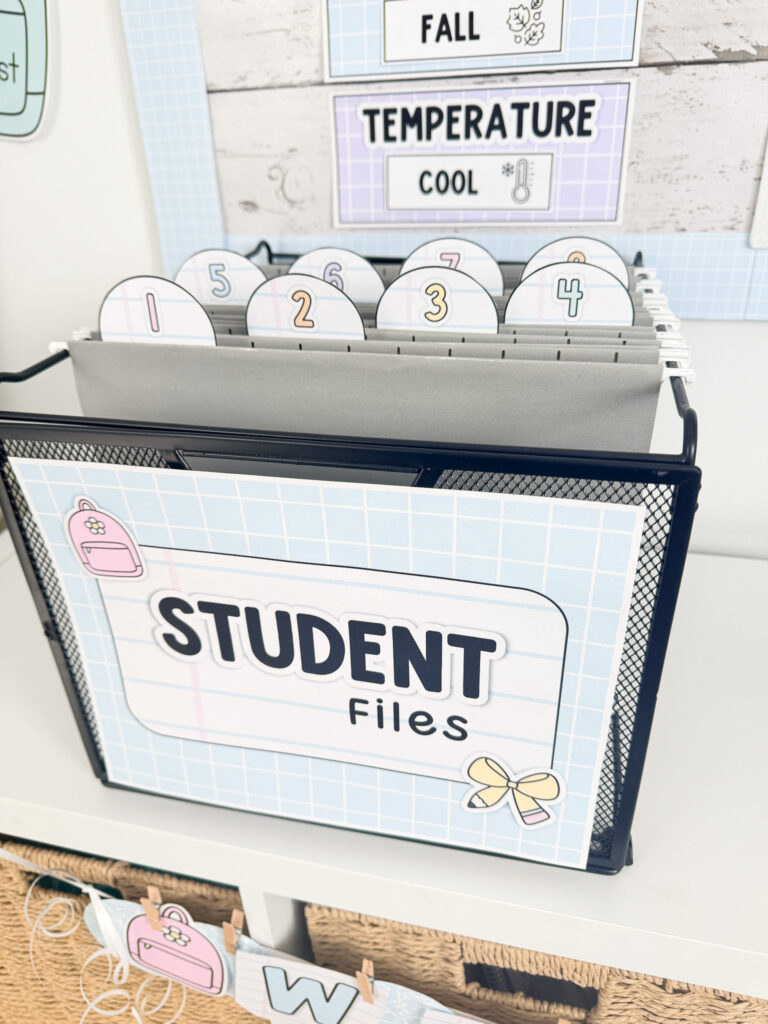
First, choose the cover that matches how you plan to use the tub. Print it and attach it to the front of your container using tape.
Next, decide whether you would like to organize the folders using student names or student numbers.
If you use student numbers, print and cut out the numbered labels. If you prefer names, type each student’s name before printing. Attach one label to each file folder using tape, glue or hot glue.
Place the folders in your tub, and your new organization system is ready to use.
You may want to laminate the tub cover and folder labels before attaching them, for durability since this is about to get used a ton.
Make It Your Own With Editable Text
The included text is editable in Canva and PowerPoint, so you are not limited to the suggested folder titles.
You can rename the tub and folder labels to match the language and routines you already use in your classroom. Create homework folders, reading conference files, writing folders, assessment files, parent communication folders or subject specific work folders.
You could even adapt the labels to create a substitute teacher tub containing schedules, emergency information, classroom procedures and activities.
Basically, if it can fit inside a file folder, you can probably create an organized system for it, using this resource.
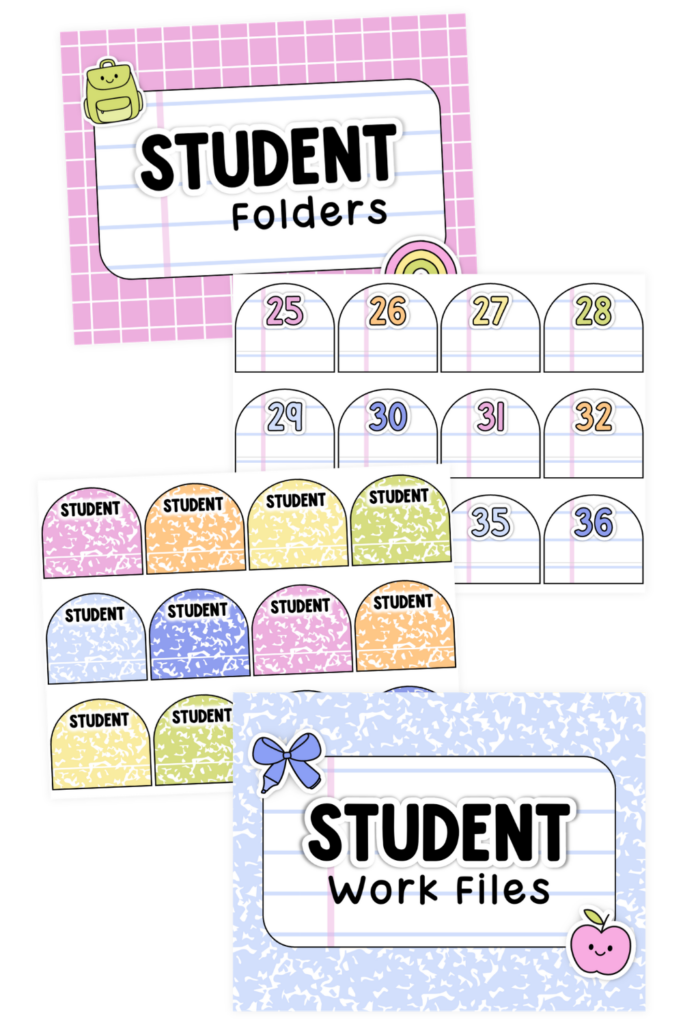
Choose Your Look
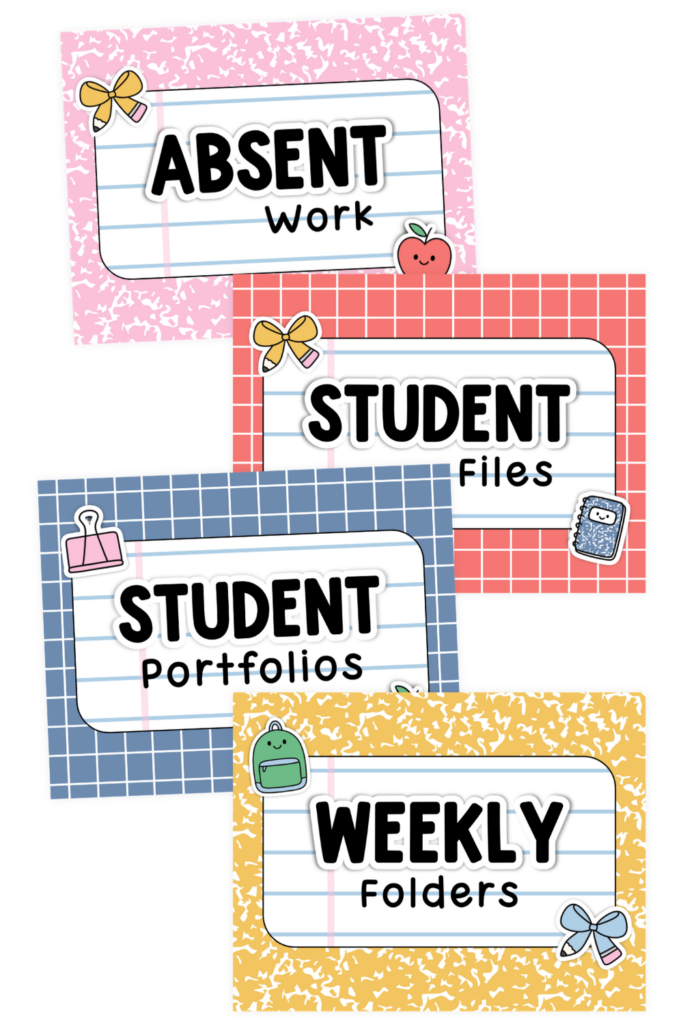
Classroom organization works better when it is functional, but it definitely doesn’t hurt when it is cute too. The resource includes different cover and label options, letting you choose the look that fits your classroom. Use matching covers throughout the room or choose a different design for each system so students can quickly tell them apart.
Whether you are setting up student portfolios, classroom mailboxes or absent work, you can create something that looks organized and feels like it belongs in your space.
Composition Notebook Take Home Folders
What Teachers Are Saying
Sara said, “These labels are so cute! I love the options of labels and the file labels. It makes organizing fun.” ⭐⭐⭐⭐⭐
Lynn said, “This was such a time saver and an awesome organizational product. It came out so cute on my file mailboxes.” ⭐⭐⭐⭐⭐
One Resource, Plenty of Possibilities
The best classroom organization systems are the ones that make daily routines easier without creating more work for you.
With one editable set of tub covers and folder labels, you can organize student portfolios, create space saving student mailboxes, keep student files ready for report card time and make absent folders students can check independently.
You can also use the folders for weekly communication, assessments, early finisher activities or must do and may do work.
Choose the system your classroom needs, customize the text and enjoy knowing that all those papers finally have somewhere to go. Preferably somewhere other than the mysterious pile on the corner of your desk.
Not sure what classroom decor style is your perfect match? Check out this blog post to help you figure out the best style for you!